Published Oct. 25, 2023
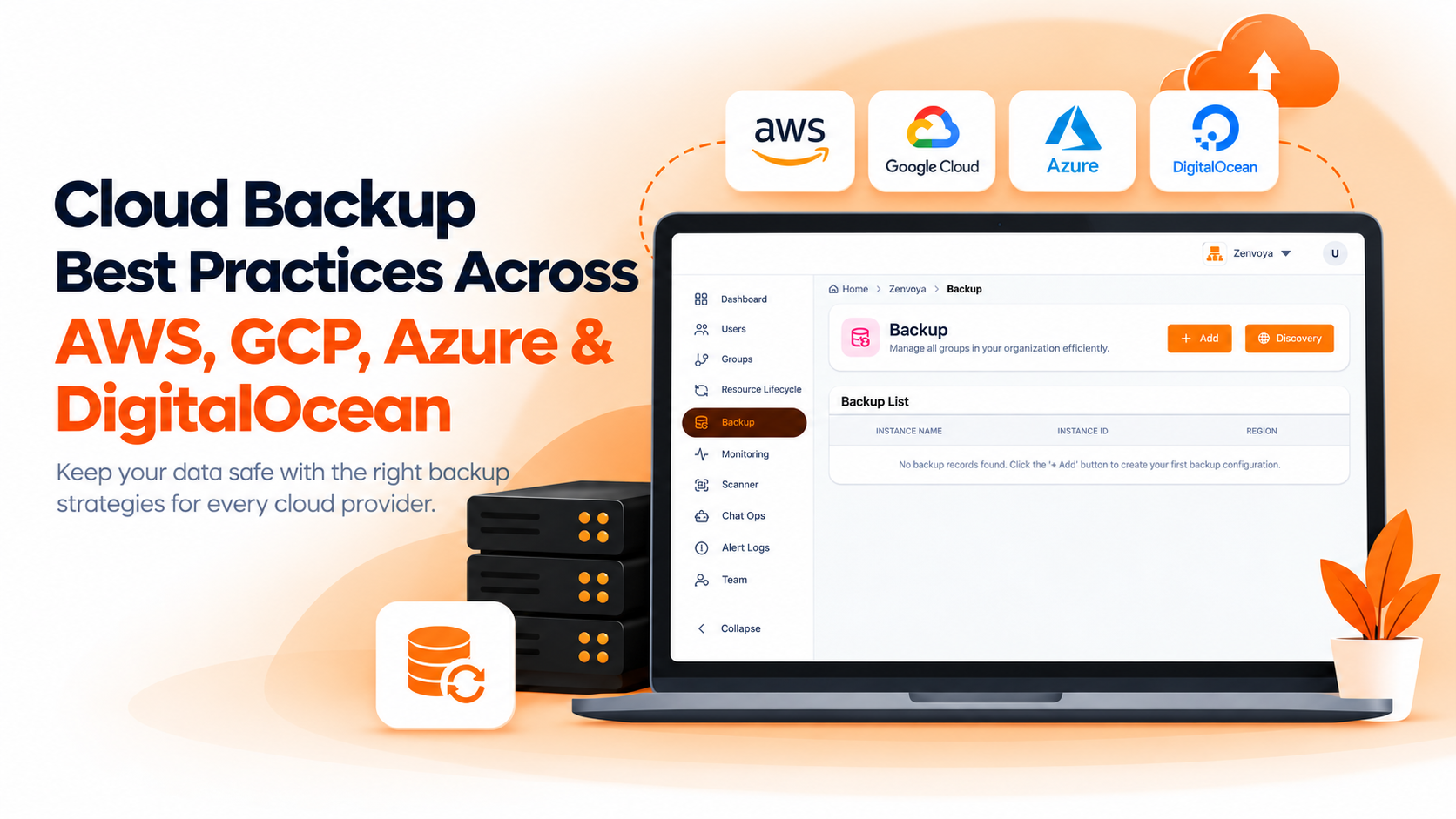
Every major cloud provider gives you a way to back up your infrastructure. AWS has AWS Backup, GCP has its snapshot-based tooling, Azure has Azure Backup, DigitalOcean has its own backup and snapshot options for Droplets and volumes. The tools exist, and on paper, that should mean backup is a solved problem. In practice, having a backup service available and having a backup strategy that actually protects your critical data are two different things, and the gap between them is usually where teams get caught out.
The core of the problem isn't whether a backup service exists on your platform of choice. It's that each of these services needs to be configured per resource type, and configuration is exactly the kind of task that's easy to do once, for the resources you're thinking about that day, and easy to forget as new resources get spun up afterward. A newly launched EC2 instance or a freshly created RDS database doesn't automatically inherit a backup policy just because other resources on the account have one. Someone has to set it up, resource by resource, instance type by instance type, and that's where coverage quietly starts to have holes.
AWS Backup is a centralized service that lets you define backup plans and apply them across resource types including EC2 instances, EBS volumes, RDS databases, DynamoDB tables, and EFS file systems. You set a schedule, a retention window, and which resources the plan applies to, and AWS handles running it. It's a genuinely capable service, and having RDS and EC2 covered under a proper backup plan matters, since these are exactly the kind of resources where losing data to a deletion, corruption, or a compromised system would be serious. The catch is that a backup plan only covers what's explicitly assigned to it. A new instance that isn't tagged or added to the right plan is a new instance without backup coverage, and there's no automatic mechanism ensuring every resource gets swept in as your account grows.
GCP takes a more piecemeal approach by default. Persistent Disk snapshots can be scheduled on a per-disk basis, and Google's Backup and DR service extends coverage to databases and more complex workloads, but the starting point is closer to configuring backup per resource than getting one unified plan that automatically extends to everything you create. For teams running a mix of compute and managed database services on GCP, this often means backup coverage is a running list to maintain rather than a single policy applied once, which creates the same kind of drift AWS Backup can have if plans aren't kept current.
DigitalOcean's backup tooling is simpler by design, offering automatic weekly Droplet backups as an add-on and manual or scheduled snapshots for volumes. It's straightforward to turn on, but it's also less granular than AWS Backup or GCP's options, weekly backups mean a wider potential data-loss window than a more frequent, resource-specific schedule would allow, and there isn't the same account-wide policy layer that AWS Backup provides. For smaller setups this is often enough, but as infrastructure grows more complex, the simplicity that made it easy to turn on can leave critical resources on a backup cadence that doesn't match how important they actually are.
Azure Backup works on a model similar to AWS's, built around centralized vaults and backup policies that can be applied across Azure VMs, Azure Files, SQL databases, and other supported resource types. You define a policy, a schedule, and a retention period, and assign resources to it, with Azure handling execution from there. Like AWS Backup, this gives you a genuine account-wide layer rather than a purely per-resource setup, which is a meaningful advantage over GCP's more piecemeal default and DigitalOcean's simpler add-on model. The same caveat applies here too, though: a resource only gets protected once it's actually assigned to a vault and policy, and a newly provisioned VM or database sitting outside any policy is just as unprotected on Azure as it would be on any other platform if nobody remembers to add it.
AWS Backup and Azure Backup both give you centralized, policy-based coverage across a wide range of resource types with flexible scheduling and retention, built around the idea of one policy layer applied account-wide. GCP offers strong per-resource snapshot scheduling and dedicated database backup support through Backup and DR, but without that same single unified policy layer by default. DigitalOcean prioritizes simplicity with automatic weekly Droplet backups and volume snapshots, at the cost of granularity and account-wide policy management. None of the four, on their own, tells you whether a given backup actually ran successfully. Each shows you that a plan or schedule exists, not that every run of it completed.
The honest answer is that this depends less on which provider's backup service is "best" and more on which cloud your infrastructure already lives on, since each provider's backup tooling is built around its own resource model. Teams running mostly on AWS or Azure benefit from a policy layer that applies account-wide, especially once resources like EC2, RDS, Azure VMs, or SQL databases all need consistent coverage without separate configuration for each. Teams on GCP will lean more heavily on per-resource scheduling and the dedicated Backup and DR service for databases, which asks for a bit more upfront setup discipline in exchange for solid coverage. Teams on DigitalOcean, often smaller or earlier-stage, get a reasonable default with automatic weekly backups, as long as they're honest with themselves about whether a week-wide recovery point is actually acceptable for their most critical data.
The more important decision, regardless of provider, is whether you're treating backup as a one-time configuration task or an ongoing responsibility. Any of these services can protect a resource well, provided that resource was actually added to a plan, that the plan still matches what the resource needs today, and that someone is watching to confirm backups are completing rather than assuming they are because a schedule exists. That last part is where most real-world backup failures actually come from, not a missing service, but a configuration that quietly stopped matching reality.
Bigbell's approach sits on top of this reality rather than trying to replace native cloud backup tooling outright. Setting up backup coverage for EC2, RDS, Azure VMs, SQL databases, and equivalent resources on GCP and DigitalOcean happens through the same account connection used for monitoring, without needing to hand-configure a separate policy per instance type on each provider, and new resources are far less likely to fall through the cracks as infrastructure changes. Just as importantly, Bigbell doesn't stop at confirming a schedule exists. It actively checks whether backups are completing as expected, so a critical database or instance that's silently missing its backup gets flagged instead of discovered only after something's already gone wrong.
If backup gap detection is new territory, it's worth reading how Bigbell checks whether servers are actually being backed up, and if scheduling itself is the pain point, our piece on cron-based backup scheduling covers how that side works too. You can see the full backup management capability on the Bigbell Backup Management page.