Published Nov. 25, 2023
A database volume is deleted by mistake on a Tuesday morning. The team knows backups exist somewhere. What they do not know is who restores it, how long that takes, how much data will be lost, and what customers should be told while it happens. The backup was there. The plan was not.
That gap is what cloud disaster recovery is meant to close. This guide covers the basics in plain terms, explains where teams go wrong, and shows what Bigbell does and does not cover.
Disaster recovery is the set of decisions and steps that get a service working again after something serious goes wrong. The cause might be a deleted resource, a failed deployment, a corrupted disk, or an outage in a cloud region. The goal is the same: restore service and data to an agreed point.
Two terms shape every plan:
Backups are one ingredient. A backup is a copy of data or a server taken at a point in time. Disaster recovery is the larger plan around it: which systems matter most, where copies are kept, who restores them, in what order, and how you know it worked.
Your RPO tells you how often to back up. If you can lose a day, daily is enough. If you cannot, daily is not.
The most common mix-up is treating backups and disaster recovery as the same thing. Having backups feels like having a plan, and the difference only shows during an incident, when someone asks how the restore works and nobody has done one.
Cloud providers add to the confusion. Because infrastructure runs in a managed environment, teams assume resilience is handled for them. Providers do take responsibility for their own platform, but protecting your data, your configuration, and your recovery steps remains your job under the shared responsibility model most providers describe.
Another misunderstanding is that disaster recovery means a second copy of your whole environment running somewhere else. That is one approach, and often an expensive one. For many workloads, a slower and cheaper plan, such as restoring from recent backups, is a reasonable choice if the RTO allows it.
Finally, plans are treated as one-time documents. A plan written last year no longer matches servers that were added, resized, or retired since.
Start by ranking your systems. Not everything needs the same recovery speed. A customer-facing database deserves tight objectives; an internal test server probably does not. Write an RPO and RTO next to each important system and agree on them with the people who depend on it.
Next, make sure every important server actually has a recent backup. This sounds obvious, but gaps are common: a server launched after the backup job was set up simply never gets covered. Check the age of the newest backup, not just whether one exists.
Then set retention on purpose. Keeping too few copies limits how far back you can go, which matters if corruption goes unnoticed for several days. Keeping too many raises storage cost.
Write a short runbook for each critical system: who is responsible, the exact restore steps, and how to confirm the service is healthy afterward. Keep it somewhere that does not depend on the system that has failed.
Finally, test it. Restore a backup to a separate machine and time the process. The result tells you your real RTO, which is often longer than the assumed one. Repeat the test whenever the environment changes in a meaningful way.
Detection matters too. A recovery plan only starts once someone knows there is a problem, so keep alerting in place for the systems you depend on.
Bigbell supports the backup and detection parts of a recovery plan. It does not run failover, replicate data, or perform restores, so it is one piece of the plan rather than the plan itself.
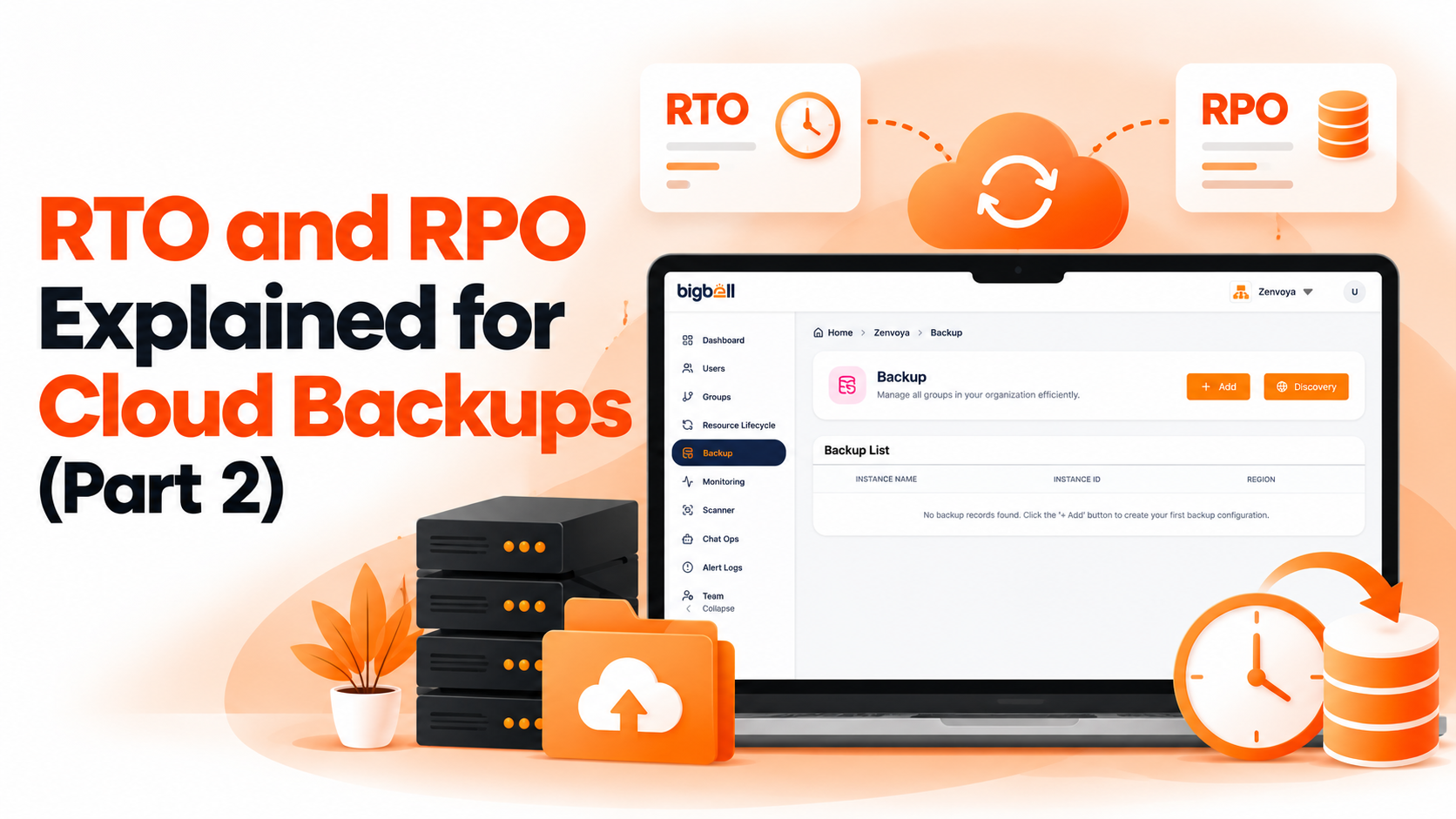
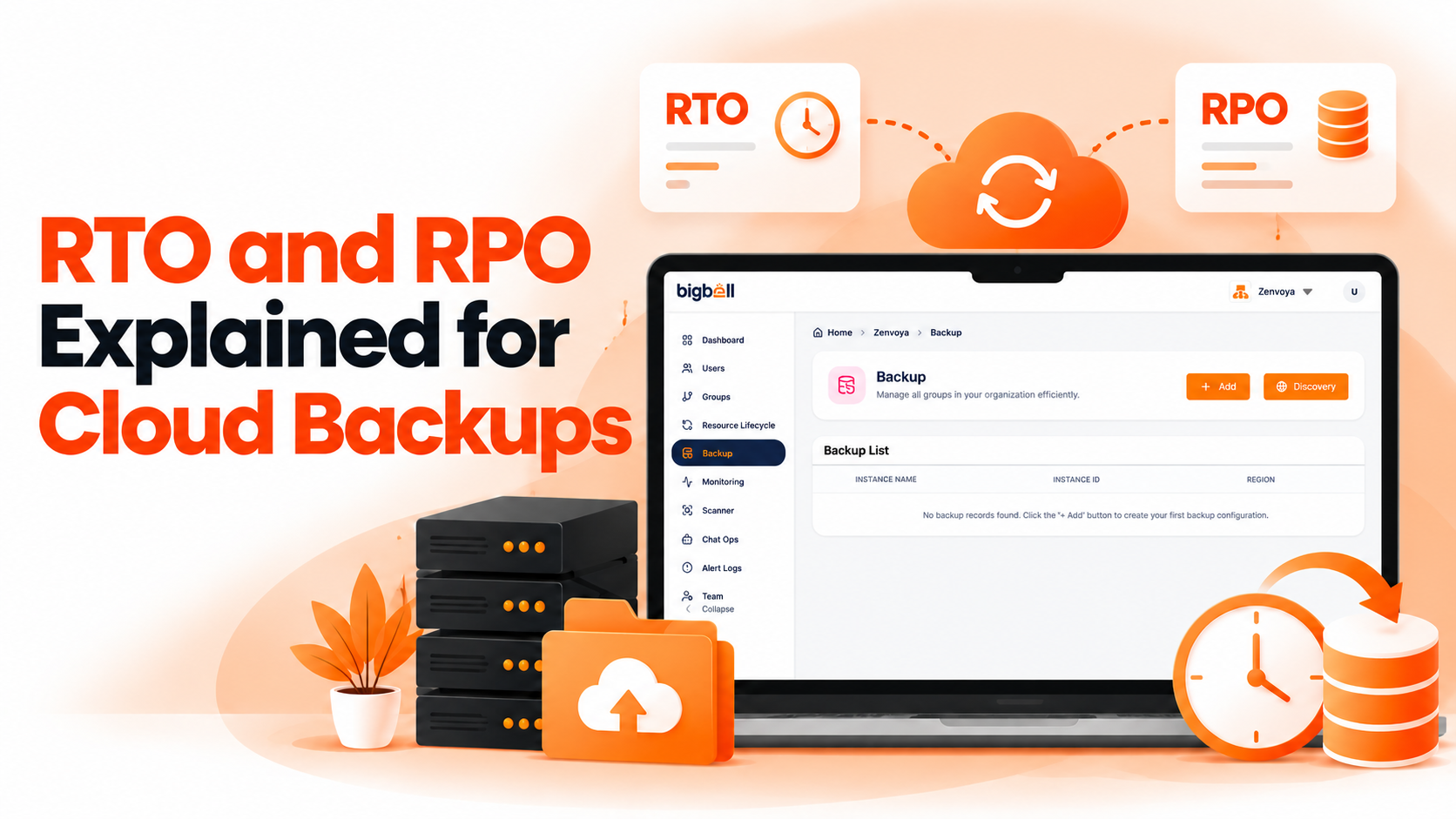
Its backup management feature schedules backups for servers in connected AWS, Azure, and Google Cloud accounts. You choose a daily, weekly, or monthly frequency and a retention period in days, which gives you a direct way to act on your RPO. Each run creates an image on AWS or a snapshot on Azure and Google Cloud, and removes the copies it created that have passed retention.
Backup discovery shows, for each server, how many backups exist and how many days ago the latest one was taken. A server with none shows "None." The infrastructure scanner also flags AWS instances with no backup as a high-severity finding, and reports RDS databases without Multi-AZ or deletion protection.
On the detection side, Bigbell monitoring can alert your team through email, Slack, Microsoft Teams, Google Chat, WhatsApp, SMS, or calls when a monitored resource crosses its thresholds.
Book a demo to see how your servers look in the backup view.
What is the difference between backup and disaster recovery? A backup is a copy of data. Disaster recovery is the full plan for restoring service using those copies and other steps.
What are RPO and RTO? RPO is how much data loss is acceptable. RTO is how long downtime is acceptable.
How often should I test recovery? At least a few times a year, and after major changes to your servers or setup.
Do cloud providers handle disaster recovery for me? They protect their own platform. Your data, configuration, and recovery steps are still your responsibility.
Does Bigbell restore backups? No. Bigbell schedules and discovers backups and flags servers without them. Restores are done separately.
Does Bigbell provide failover or replication? No. It does not run failover or data replication.
Which clouds does Bigbell backup management support? AWS, Azure, and Google Cloud.
Can Bigbell alert me when something fails? Yes. Monitoring alerts go to your configured channels when thresholds are crossed.
How much backup retention do I need? Enough to cover how long a problem might go unnoticed, balanced against storage cost.
Is a daily backup enough? Only if losing up to a day of changes is acceptable. Otherwise your RPO calls for more frequent copies.
What should a runbook include? The owner, the exact restore steps, and a way to confirm the service is healthy afterward.
What is the first step for a small team? List your most important systems, set an RPO and RTO for each, and confirm each has a recent backup.
Do all systems need the same recovery targets? No. Critical systems deserve tighter objectives than internal or test systems.
Where should the runbook be stored? Somewhere that stays reachable even if the affected system is down.