Published Dec. 25, 2023
A team runs its application on Google Cloud for two years. One morning a bad deployment corrupts the data, and someone opens the snapshot list to restore. The newest snapshot is eleven weeks old. Nobody remembers when the snapshots stopped.
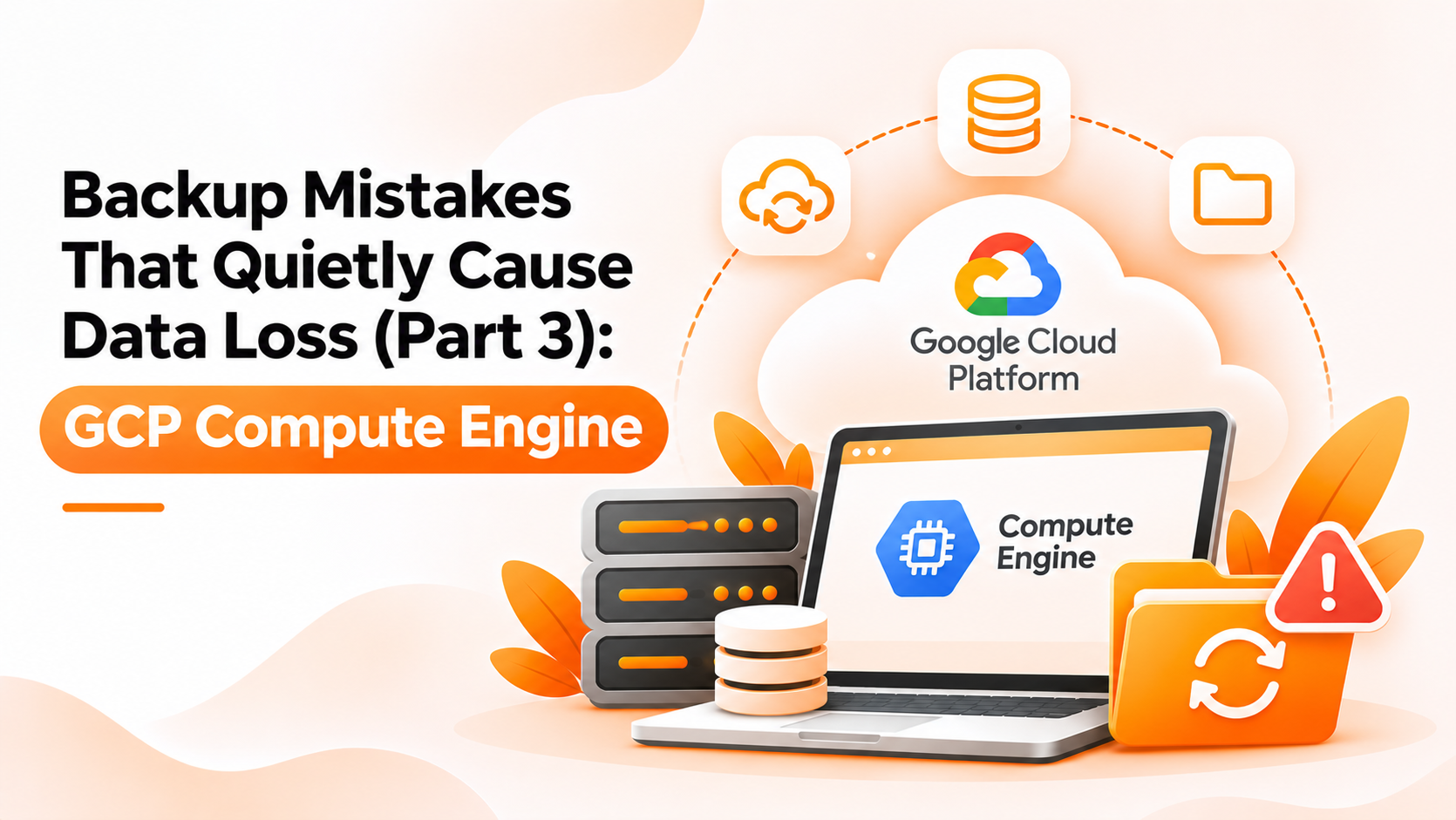
This is the third guide in our series on silent backup failures, and it looks at Compute Engine specifically. It compares two ways of protecting a virtual machine: taking snapshots by hand, and putting them on a schedule. Scheduling is where GCP Compute Engine scheduling helps most, but it brings mistakes of its own. The first sections are general Google Cloud knowledge. The last section covers only what Bigbell does.
In this approach, an engineer creates a snapshot of a VM's disk from the console or a command line, usually before a risky change. It needs no setup and is a sensible habit before an upgrade.
The weakness is that it depends on memory. Manual snapshots follow the calendar of whoever remembers, not the calendar of your data. They are taken before planned changes, which means they are missing before unplanned ones.
Manual snapshots also pile up. Nobody owns the cleanup, so old ones remain, and each one is billed. Names drift too, so it becomes hard to tell which snapshot is recent enough to trust.
The second approach creates snapshots on a fixed rhythm, such as daily at a quiet hour, and removes old ones after a set period. The age of your newest copy has a known limit.
The mistakes here are subtler, because a schedule creates a feeling of safety. Five are common:
| What matters | Manual snapshots (Option A) | Scheduled snapshots (Option B) |
|---|---|---|
| Effort | Lower at the start | Lower afterwards |
| Consistency | Arrive when someone remembers | A copy at every interval |
| Flexibility | Taken at exactly the right moment | Fixed rhythm |
| Cleanup | Nobody owns it | Handled if retention is set deliberately |
| Risk of false comfort | Lower | Higher; a green schedule can hide missing disks and servers |
Use both, for different jobs. Scheduled snapshots give you the steady baseline that protects against the unexpected. Manual snapshots give you a precise restore point before a planned change.
A practical order of work looks like this:
Bigbell supports Option B for Google Cloud through Backup Management. You connect your Google Cloud project, create a backup schedule for a VM, and choose a frequency of daily, weekly, or monthly, a time, and a retention period in days. Schedules use cron expressions. For Google Cloud, you also give the zone of the VM.
When a scheduled backup runs, Bigbell first removes snapshots of that VM that are older than the retention period, identifying them by a naming pattern, and then creates a new snapshot. The name includes the VM name and the date, followed by the word backup. Schedules run in Indian Standard Time, so convert your working hours before you choose a time.
Now the limits, which tie back to the mistakes above. Bigbell snapshots a VM's boot disk. If the VM has no boot disk flagged, it uses the first attached disk. We have not verified that it snapshots other attached disks, so do not assume your data disks are covered, and confirm in Google Cloud. Bigbell does not choose which VMs to protect and does not add new VMs to a schedule automatically. We have not verified that it tests restores or sends a notification when a backup succeeds or fails. And the scanner that flags servers without backups works for AWS, so it does not report missing backups on Google Cloud for you. Because the retention cleanup relies on names, avoid renaming snapshots by hand.
Book a demo to see how a Google Cloud backup schedule is set up.
What is GCP Compute Engine scheduling for backups? Running snapshots of a VM's disk on a fixed schedule instead of taking them by hand.
Does Bigbell support Google Cloud backups? Yes. It creates scheduled snapshots of Google Cloud VMs.
Which disk does Bigbell snapshot? The boot disk, or the first attached disk if none is marked as boot.
Does it back up my data disks? We have not verified that. Check in Google Cloud.
What frequencies can I choose? Daily, weekly, or monthly.
How does retention work? Older snapshots of the VM are removed by name pattern, then a new one is created.
Which time zone do schedules use? Indian Standard Time.
Do I need to give a zone? Yes, for Google Cloud VMs.
Does Bigbell add new VMs automatically? No. You create a schedule for each VM.
Does Bigbell flag Google Cloud VMs with no backup? No. That scanner check covers AWS.
Can I still take manual snapshots? Yes. They are useful before planned changes, but keep the names clear.
Why does renaming snapshots matter? Retention cleanup finds old snapshots by name, so renamed ones may be missed.
How often should I test a restore? At least a few times a year, and after any major change.
Is a snapshot the same as a full backup strategy? No. It is one part. You also need retention, testing, and a recovery plan.
How do I choose a backup interval? Ask how much data you can afford to lose, and set the interval below that.
Do snapshots cost money? Yes. Google Cloud bills for snapshot storage, so retention affects cost.
Should I snapshot before every deployment? For risky changes, yes. A manual snapshot gives a precise restore point.
Who should own backups? A named person or team, so coverage is reviewed when servers are added.