Published Feb. 25, 2026
Most teams can say a backup job exists. Fewer know which servers it covers, or whether the newest copy is from yesterday or last spring. A server added after the job was set up, or a test instance that quietly became permanent, can go unprotected until a disk fails or someone deletes the wrong machine.
Missing backup detection means proving, server by server, that a recent backup exists. There are two common ways to do it. This guide compares them and explains where Bigbell fits.
Most teams start here. Someone opens the AWS, Azure, or Google Cloud console, lists the servers, then looks through images or snapshots to see which ones match. Teams that tire of repeating this write a script and paste the output into a spreadsheet.
It costs only engineering time and works with any setup. For a handful of servers in one account, a monthly check is quick and reasonable.
Problems appear as the environment grows. AWS stores backups as machine images (AMIs), while Azure and Google Cloud use snapshots. Matching a backup to its server often depends on tags or naming habits, and those drift. A spreadsheet is accurate only on the day it was filled in.
The biggest weakness is timing. Manual checks happen when someone remembers. A server created the day after your review can go weeks without a backup, and nothing will say so.
The second approach uses a tool that reads backup records from your cloud accounts and groups them by server. Instead of asking whether a backup exists somewhere, you open one view and see each server with its backup count and the age of its latest backup.
A server with no backups stands out because its row is empty. If the same tool can also create schedules, fixing a gap is a few steps away.
The trade-offs: you must connect cloud credentials, provider coverage varies between tools, and discovery shows that a backup exists, not that it can be restored.
| What you need | Manual checks (Option A) | Centralized discovery (Option B) |
|---|---|---|
| Setup effort | Low at first, grows with every account | Connect credentials once |
| AWS, Azure, and GCP | Separate steps for each | Depends on the tool |
| Backup count and latest backup per server | Only if you build it | Usually built in |
| Spotting servers with no backup | When someone runs the check | Visible whenever you look |
| Data freshness | As old as your last review | Read from the cloud account |
| Fixing a gap | Separate console task | One step if scheduling is included |
| Maintenance | Scripts and sheets need an owner | Handled by the tool |
| Proof of restorability | No | No, restore tests are still needed |
Neither approach replaces a restore test; both show only whether a backup exists and how recent it is.
Choose manual checks if you run a few servers in a single account, rarely launch new ones, and have someone who will run the check on schedule. Put the review on a calendar and record each pass.
Choose centralized discovery if you have servers across more than one provider, several projects or customer environments, frequent launches and retirements, or no clear owner for the backup review. There, a missed server costs more than a tool, and manual processes decay without anyone noticing.
Many teams use both: a central view for daily coverage and a quarterly restore test. Either way, check these regularly:
Bigbell belongs in the second category, with scheduling built in. Its backup management feature works like this:
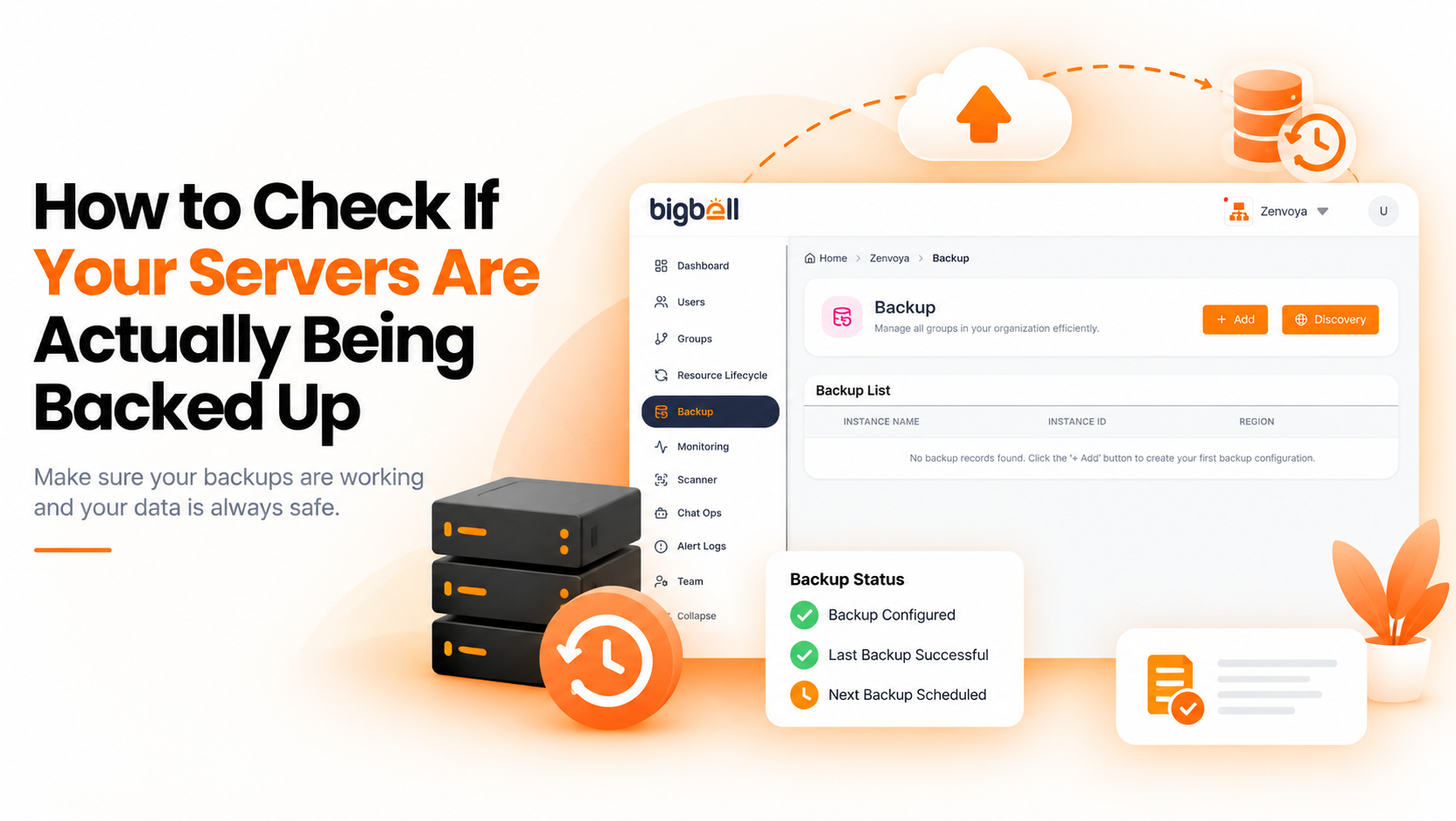
Backup discovery. Bigbell reads backups from your connected AWS, Azure, and Google Cloud accounts and groups them by server. AWS EC2 instances use machine images; Azure and Google Cloud use snapshots. Each server shows its total backups and how many days ago the latest one was taken. A server with none shows "None," which is the missing-backup signal you want.
Scheduled backups. You can schedule daily, weekly, or monthly backups for a server and set a retention period in days. Each run creates a new image or snapshot and removes the ones it created that have passed retention, so no separate script is needed.
Scanner findings. Bigbell's infrastructure scanner also checks AWS instances for backups. Instances with no image or snapshot are reported as a high-severity finding with the affected instances listed. If a check cannot be completed, for example because of missing permissions, it appears as a separate low-severity finding.
The limits are worth stating plainly. Bigbell does not test restores or inspect what a backup contains, and the scanner's backup check covers AWS. Discovery is one input to your recovery plan, not the whole plan.
Book a demo and see how your servers look in the backup view.
How often should I check for missing backups? Weekly for active environments, and always after launching new servers.
Does a backup existing mean I am protected? Not necessarily. A backup from months ago counts as one but offers little protection, so check the age of the newest one too.
Does Bigbell show which servers have no backups? Yes. Backup discovery lists each server with its backup count and latest backup age, and shows "None" where there are none.
Why does the age of the latest backup matter? A backup is only useful if it is recent enough to recover from. A server whose newest copy is months old is effectively unprotected against recent changes.
Which providers does Bigbell support for backups? AWS, Azure, and Google Cloud, using machine images on AWS and snapshots on Azure and Google Cloud.
Can Bigbell create the missing backup? Yes. You can schedule daily, weekly, or monthly backups with a retention period.
Does Bigbell test restores? No. It shows that backups exist and how recent they are. Restore testing should be done separately, for example by recovering one backup to a test machine each quarter.
How long should I keep backups? That depends on how far back you may need to recover and on your own policies. Set retention deliberately so storage does not grow without limit and you still have useful history.
Is a snapshot the same as a backup? For this check, a snapshot or machine image is the usual backup record for a cloud server. Whether it meets your needs depends on how often it is taken and whether you have tested it.
Why do servers end up without backups? Usually because they were launched after the backup job was set up, created for a short test and kept, or never attached to a policy. Reviewing new servers soon after launch catches most of these.
What should I do when I find an unprotected server? Take a backup now, add a recurring schedule, then find out why it was missed.