Published Feb. 25, 2026
Part 1 compared checking backups by hand with using a centralized tool. This follow-up asks a different question: once you decide to check, how much do you check? Looking at three important servers and reconciling every server against every backup are very different exercises, and they find different problems.
Good missing backup detection depends on that choice as much as on the tools used. Here are both approaches, side by side.
A spot check picks the servers that matter most, usually production databases and customer-facing applications, and confirms each has a recent backup. It is fast. A person can do it in minutes, and it focuses attention where an outage would cost the most.
It fits teams with a small, stable list of critical systems, where everyone knows what the important servers are.
The weakness is in the word "known." A spot check only looks at servers someone remembered to list. It will not find the staging database that became production, the instance launched during an incident and never tagged, or the machine a former colleague set up. Those are exactly the servers most likely to be missing a backup, and they are invisible to a list built from memory.
Spot checks also say little about trends. They confirm that today looks fine, not that the coverage has been slipping for months.
Reconciliation starts from the other end. You take the complete list of running servers, as reported by the cloud account, and match it against the complete list of backups. Every server either has a recent backup or it does not. Nothing depends on anyone remembering what exists.
This finds the unknown servers, and it produces a clear list of gaps rather than a feeling of confidence. Repeated regularly, it also shows whether coverage is improving.
The cost is effort and noise. A full list includes servers you do not care about, such as short-lived test machines, so you need rules for what counts as a gap. Doing it by hand across several clouds and regions is slow enough that the review tends to be skipped. Done with a tool that builds the list automatically, the effort drops considerably.
| What matters | Spot checks (Option A) | Full reconciliation (Option B) |
|---|---|---|
| Time needed | Minutes | Longer by hand; short with a tool |
| Finds forgotten servers | No | Yes |
| Depends on someone's list | Yes | No |
| Shows coverage trends | Rarely | Yes, when repeated |
| Noise from minor servers | Low | Higher |
| Best for | A few stable, critical systems | Changing or multi-cloud environments |
| Confirms backups restore | No | No |
Use spot checks when the environment is small and slow-moving, and the critical servers are few and well known. Keep the list written down and review it whenever the environment changes.
Use full reconciliation when servers come and go, when more than one cloud or project is involved, or when you have ever been surprised by a server nobody knew about. The surprise is the sign that a list from memory is not enough.
Many teams do both: a quick weekly spot check of critical systems and a fuller reconciliation monthly. Whichever you pick, decide in advance what counts as a gap. For example, any server with no backup, or any whose newest backup is older than your agreed limit. Without a rule, every review turns into an argument about what matters.
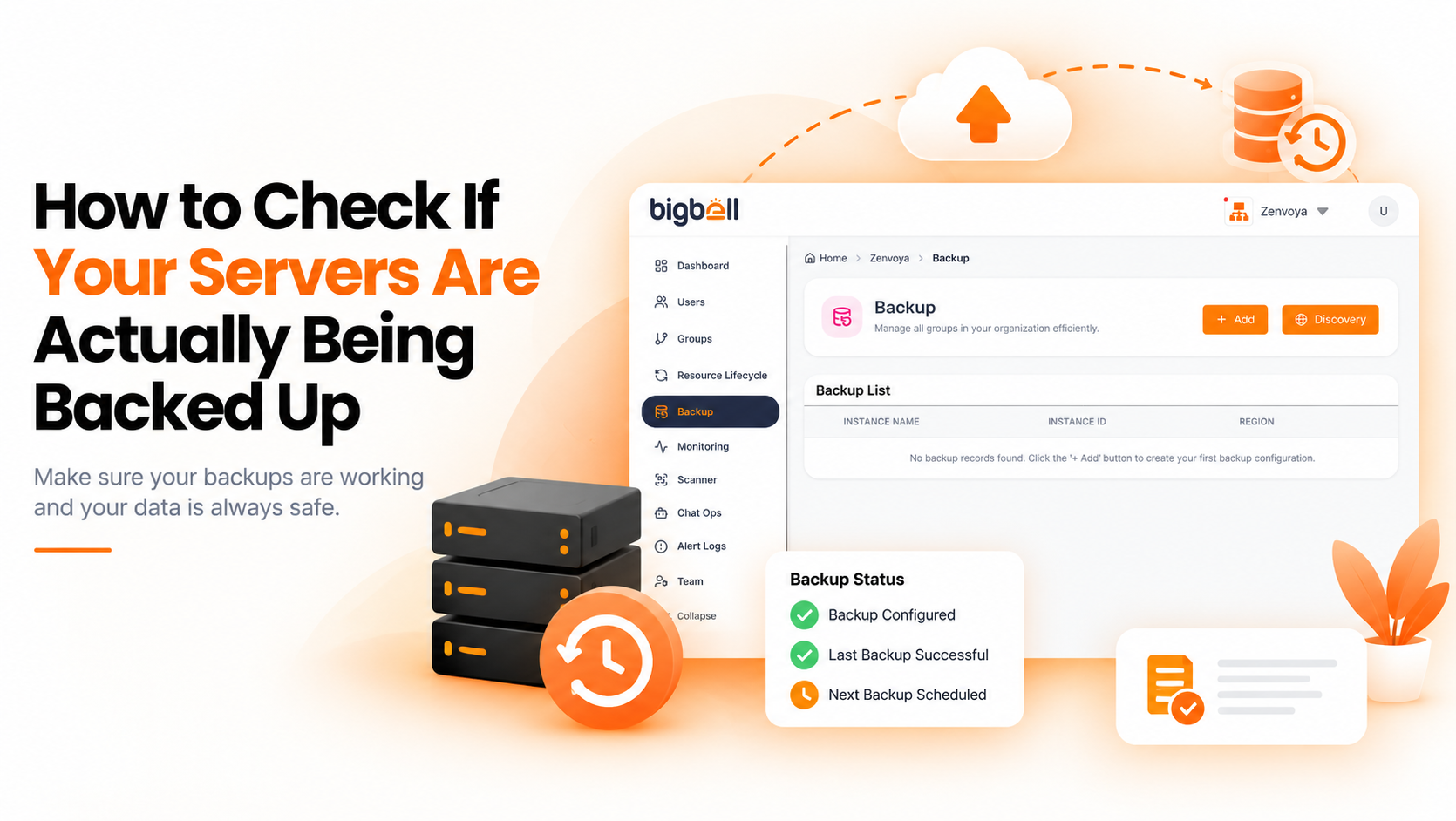
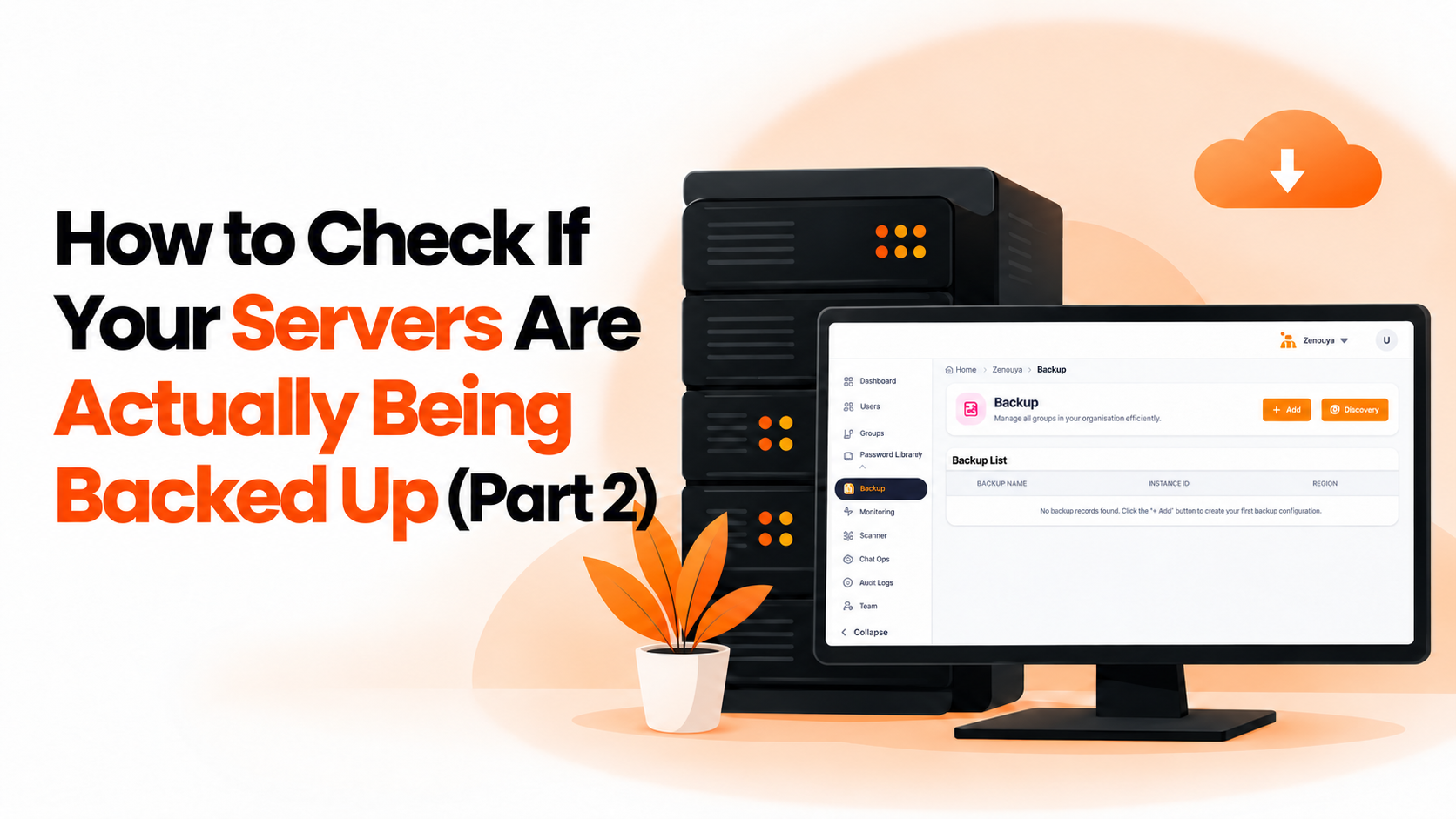
Bigbell's backup management feature supports full reconciliation for AWS, Azure, and Google Cloud. Backup discovery pulls servers from your connected cloud accounts and groups the existing backups by server, so the list comes from the account, not from memory. On AWS, discovery can be run for a chosen region.
For each server, you see the total number of backups and how many days ago the latest one was taken. A server with none shows "None," which makes the gap easy to spot in a long list. Because the list is built from the account, a newly launched server appears the next time you look.
The infrastructure scanner adds another view for AWS. It reports instances with no image or snapshot as a high-severity finding, and reports instances where the backup status could not be verified as a separate low-severity item, so a permissions problem does not look like full coverage.
When you find a gap, you can schedule daily, weekly, or monthly backups with a retention period from the same feature. Bigbell does not test restores, and the scanner's backup check covers AWS only, so a restore test is still your own step.
Book a demo and see your server list matched against its backups.
How often should I run a full reconciliation? Monthly is a reasonable start, or more often if servers change frequently.
What counts as a missing backup? Decide in advance. A common rule is no backup at all, or a newest backup older than your limit.
Do spot checks ever make sense? Yes, for a small, stable set of critical servers, ideally alongside a periodic full check.
Does Bigbell list servers without backups? Yes. Backup discovery shows "None" as the latest backup for servers that have no backups.
Can I check a specific AWS region? Yes. AWS backup discovery can be run for a chosen region.
Which clouds does Bigbell cover for backup discovery? AWS, Azure, and Google Cloud.
Why might a backup status show as unverified? The scanner reports this when it cannot confirm the status, for example because of missing AWS permissions.
Can Bigbell fix a gap I find? Yes. You can schedule a recurring backup with a retention period.
Does Bigbell test restores? No. Restore testing should be done separately.
Should short-lived test servers count as gaps? Only if you decide they should. Write down a rule, such as excluding servers with a specific purpose, so reviews stay consistent.
How do I handle several projects? Review each cloud account separately, then combine the results into one list of gaps with an owner for each.
What is the first thing to fix after a reconciliation? Servers with no backup at all, then those whose newest backup is older than your limit.
Can a new server appear without anyone noticing? Yes, which is why a list built from the account is more reliable than one built from memory.
Who should run the reconciliation? One named owner, so the review does not fall between teams.
What should I do with servers that are intentionally unprotected? Record the reason, so they do not appear as gaps in every review.
Is a monthly reconciliation too slow for us? For stable environments it is fine. Fast-changing environments may need it weekly.