Published Sept. 25, 2024
An application slows down on a Tuesday afternoon. Within minutes, three people are asking the same questions in a chat thread. Was CPU high? Did memory climb? Is the website itself slow, or only one page? Each answer lives in a different tool, and the incident clock keeps running while someone goes to fetch it.
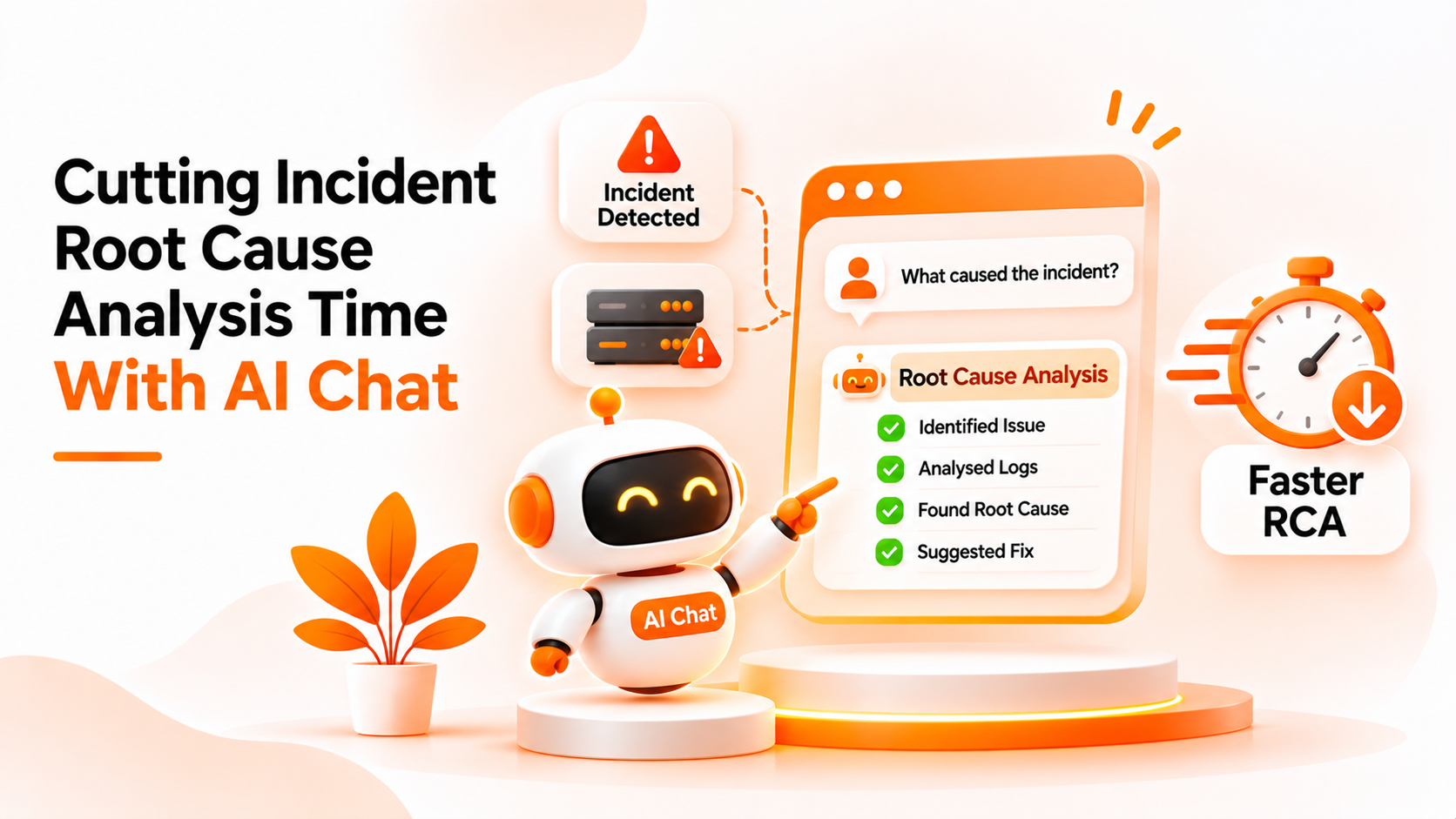
That fetching time is where an AI root cause analysis chat can help. This guide explains what root cause analysis really involves, where AI chat fits and where it does not, and what Bigbell actually offers.
Root cause analysis is the process of working out why an incident happened, not just what broke. The visible symptom, such as a slow page, is rarely the cause. The cause might be a memory leak, a disk filling up, a change deployed earlier, or a dependency that began responding slowly.
In practice, it follows a pattern. You gather evidence about what the system looked like before, during, and after the problem. You build a timeline. You form a theory, test it against the evidence, and repeat until one explanation fits. The last step is deciding what to change so it does not happen again.
Most of the elapsed time goes into the first two steps. Gathering and organizing evidence is slow because the data is spread across tools and because people do not always know which question to ask first.
The most common misunderstanding is that AI can simply tell you the root cause. Reality is more modest. An AI chat can retrieve data and summarize it quickly, but a cause is a judgment that depends on context the data may not contain. Two servers can show identical CPU graphs for different reasons.
A related mistake is trusting fluent answers. A chat tool that replies confidently without checking real data can produce a convincing but wrong explanation. The useful kind of AI chat is grounded: it answers from actual monitoring data and says so when data is missing.
Teams also confuse speed with accuracy. Reducing the time spent collecting evidence is valuable, but it does not remove the need to think. A faster path to the wrong theory is not an improvement.
Finally, people expect one tool to cover everything. Real investigations touch logs, deployment history, application traces, and infrastructure metrics. No single chat covers all of it.
Treat AI chat as an evidence assistant. Use it for the repetitive part: asking which servers were busiest, how a metric moved over the last few days, or which monitored pages were slow. Keep the reasoning with people.
Ask narrow, answerable questions. "Show memory history for this server over the last seven days" gets a more reliable result than "what went wrong?" Narrow questions are easier to check, and the answers can be pasted straight into an incident timeline.
Verify before acting. Compare the chat's answer with the source when the decision matters. If numbers look surprising, check them.
Write down the question and the answer. One benefit of chat is that the investigation leaves a readable trail, which makes the later review easier.
Know what is outside the chat. If the likely cause lives in application logs or a deployment, you will need those tools. For a wider look at how conversation fits into operations, see what is ChatOps.
Bigbell's AI chat, described on the ChatOps page, is built around retrieving evidence from your own data, not around declaring causes. It does not perform automated root cause analysis, and the product treats that line carefully. For billing questions, for example, it is instructed to explain what changed, not why.
What it can do is speed up the evidence stage. You can ask which servers show the highest or lowest CPU, memory, or disk usage over a chosen period, which monitored URLs are slowest or fastest, and how one server's CPU, memory, or disk changed day by day. If a custom question does not match a standard one, the chat can run a read only query over your monitoring data for up to ninety days. For cost related incidents, it can compare this month with the same days last month and show which services changed the most.
For infrastructure details, it can list EC2 and RDS resources in a connected AWS account and show an instance's configuration. It does not invent numbers. When a tool fails or returns nothing, it is designed to say that plainly.
Be clear on the limits. The chat does not read application logs, trace requests, or review deployments, and it does not decide the cause for you. Bigbell has not published figures on how much faster investigations become, so we do not claim one. Chat sessions are kept for each user and organization, which leaves a record of what was asked.
Book a demo to see how the chat answers questions against your own monitoring data.
Can AI find the root cause of an incident on its own? Not reliably. It can retrieve and summarize evidence, but deciding the cause needs context and judgment.
What is an AI root cause analysis chat? It is a chat interface that helps gather and summarize data during an investigation.
Does Bigbell perform automated root cause analysis? No. Bigbell's chat retrieves monitoring, cloud, and billing data. People decide the cause.
What data can the Bigbell chat use? CPU, memory, and disk usage, URL response times, server metric history, billing data, and AWS EC2 and RDS details.
Can it show history for one server? Yes. It can show day by day average, highest, and lowest values for CPU, memory, or disk.
Does it read application logs? No. Log analysis would need a separate tool.
How far back can it query? Custom monitoring queries cover up to ninety days.
Does it make up answers? It is designed to answer from tool results and to say so when data is missing or a tool fails.
What is a good first question during an incident? Ask which servers had the highest CPU, memory, or disk usage in the relevant period, then narrow to one server.
Should I trust a chat answer during an incident? Treat it as evidence to verify, not a verdict. Check the source when a decision depends on it.
Can the chat help with cost spikes? Yes. It can show which services changed the most compared with the same days last month, though it explains what changed, not why.
Does it keep a record of an investigation? Chat sessions are stored for each user and organization, so the questions and answers can be reviewed later.
Can I add a chart from the investigation to a dashboard? Yes. Monitoring results can be added to the dashboard as a bar chart, line chart, pie chart, or table.
Is faster evidence gathering the same as a faster fix? Not always. It shortens one stage of the investigation, but fixing the cause still depends on your team.