Published June 25, 2025
Few teams plan to run more than one Jenkins server. It happens gradually. One team sets up Jenkins for its own builds, another needs different plugins, a legacy project stays on an older version, and a staging environment gets a copy. Two years later, nobody can say with confidence how many servers exist, who owns them, or which jobs live where.
Running multiple Jenkins instances is common and often reasonable. The difficulty is not the number of servers but the effort of working across them. This guide compares two ways to handle that, and explains where Bigbell fits. The first sections are general. The last section covers only what Bigbell actually does.
The default approach is to treat every Jenkins server as its own world. Each has its own address, its own users, its own plugins, and its own list of jobs. When someone needs to run a job, they open that server's web interface, find the job, and start it.
This has real advantages. Teams get full independence, so a plugin upgrade on one server cannot break another team's builds. Access can be tuned per server, and each server stays simple to reason about. If you have only two servers and clear ownership, this works well.
The costs rise with the count. People must remember which server holds which job, and keep separate logins and API tokens for each. There is no single view of what exists, so questions like "where is the deployment job for this service?" become small research tasks. Credentials and configuration drift apart over time, and upgrades or cleanups need to be repeated server by server.
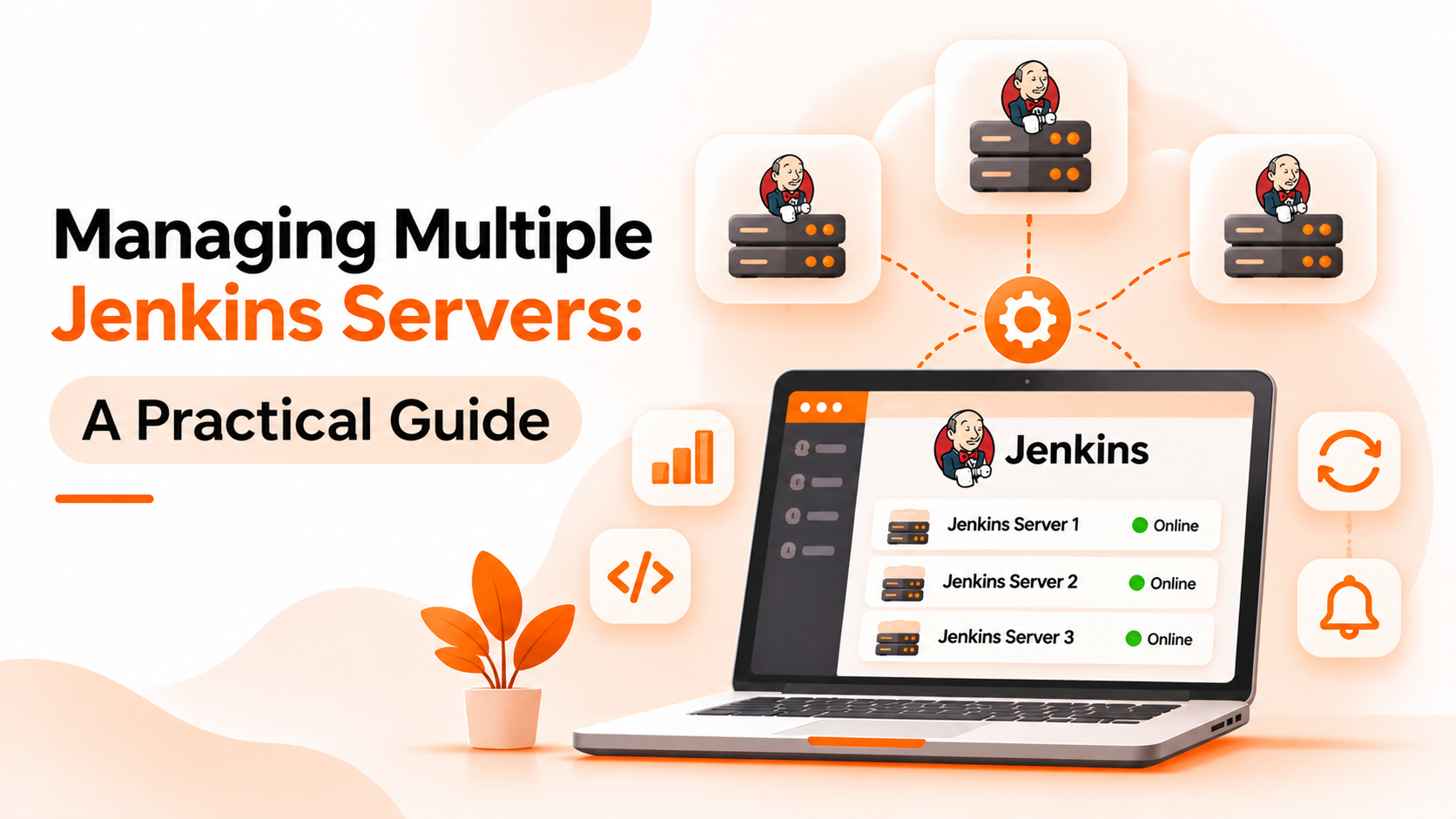
The second approach adds a layer above the servers. You register each Jenkins server once, and then browse and act on them from one place. The servers themselves stay as they are. What changes is how people reach them.
The benefit is discoverability. Someone can see jobs from several servers together, instead of remembering where to look. It also makes it easier to keep track of which servers are connected and whether their credentials still work, and it reduces the number of places where people type API tokens.
There are downsides. The central layer needs access to every server, so it becomes a sensitive component that deserves careful permissions. It is another system to maintain. And it usually exposes a subset of what Jenkins itself can do, so detailed configuration, plugin management, and build log analysis still happen in Jenkins directly.
| What matters | Separate management (Option A) | Central view (Option B) |
|---|---|---|
| Visibility across servers | None without extra effort, such as spreadsheets | Jobs from several servers in one list |
| Independence | Strong; changes in one place cannot affect another | Servers depend on a shared layer for access |
| Depth | Full Jenkins interface, every setting and log | A subset of Jenkins features |
| Credential handling | Tokens spread across people and notes | Concentrated in one place; easier to rotate, must be well protected |
| Effort for routine actions | Higher; find the right server first | Lower for finding and starting jobs |
| One-off investigation | Faster with direct access | Still done in Jenkins |
Stay with separate management if you run two or three servers, owners are clear, and few people need to trigger jobs across servers.
Move toward a central view when the number of servers grows, when people regularly ask where a job lives, or when several teams need to start jobs on servers they do not administer. Before choosing, consider whether you really need so many servers. Sometimes consolidating is better than managing sprawl, since Jenkins can scale with agents and folders. When servers must stay separate for ownership, security, or version reasons, a central view helps without forcing consolidation.
Bigbell's pipeline orchestration features support the central view approach for Jenkins. The scope is specific, so it is worth stating plainly.
You can add each Jenkins server to your organization as a named connection, using its address, a username, and an API token. You can add more than one. When you save one, Bigbell checks that the credentials work against that server and marks it active or not, so a broken token is visible straight away.
From a connected server, Bigbell lists the jobs, including jobs inside folders, and shows each job's parameters with their names, types, defaults, and descriptions. You can start a job from Bigbell. If the job needs parameters and none are given, Bigbell tells you so instead of starting it. Bigbell also handles the Jenkins security token that Jenkins requires for such requests.
The limits are equally important. This is a way to connect, find, and start jobs. Bigbell does not create or edit Jenkins jobs, manage plugins, upgrade servers, or show build logs and results. Jenkins remains the place for those tasks. Bigbell also does not replace Jenkins or run your builds itself.
Book a demo to see how your Jenkins servers appear in one place.
Is it normal to have multiple Jenkins servers? Yes. Teams often end up with several because of ownership, plugin needs, or older projects.
When should I consolidate instead? When servers have no real reason to stay separate. Fewer servers means less to maintain.
Can Bigbell connect more than one Jenkins server? Yes. Each server is added as its own named connection.
How does Bigbell check a Jenkins connection? When you save it, Bigbell tests the credentials against the server and records whether they work.
Can Bigbell list jobs inside folders? Yes. It lists jobs from folders as well as top level jobs.
Can I start a parameterized job from Bigbell? Yes, if you provide the parameters. Bigbell will not start such a job without them.
Does Bigbell show Jenkins build results? No. Build logs and results stay in Jenkins.
Does Bigbell manage Jenkins plugins or upgrades? No. Those tasks remain in Jenkins.
What problems come with many Jenkins servers? Finding where jobs live, keeping tokens and plugins consistent, and repeating upgrades on each server.
Should every team have its own Jenkins server? Not necessarily. Folders and agents let one server serve several teams, but separate servers give stronger independence.
How should I store Jenkins API tokens? Use a token per person or purpose, rotate them periodically, and avoid sharing them in notes or chat.
What happens if a token expires in Bigbell? The connection's active status reflects the check made when it was saved, so update the credentials and save again to recheck.
Does Bigbell edit or delete my Jenkins connections? You can update or remove a saved connection in Bigbell. Your Jenkins server itself is not changed by that.
Is a central view a security risk? It concentrates access, so protect it carefully and give each connection only the Jenkins permissions it needs.
What do I need to connect a Jenkins server? Its address, a username, and an API token for that user.