Published Aug. 5, 2024
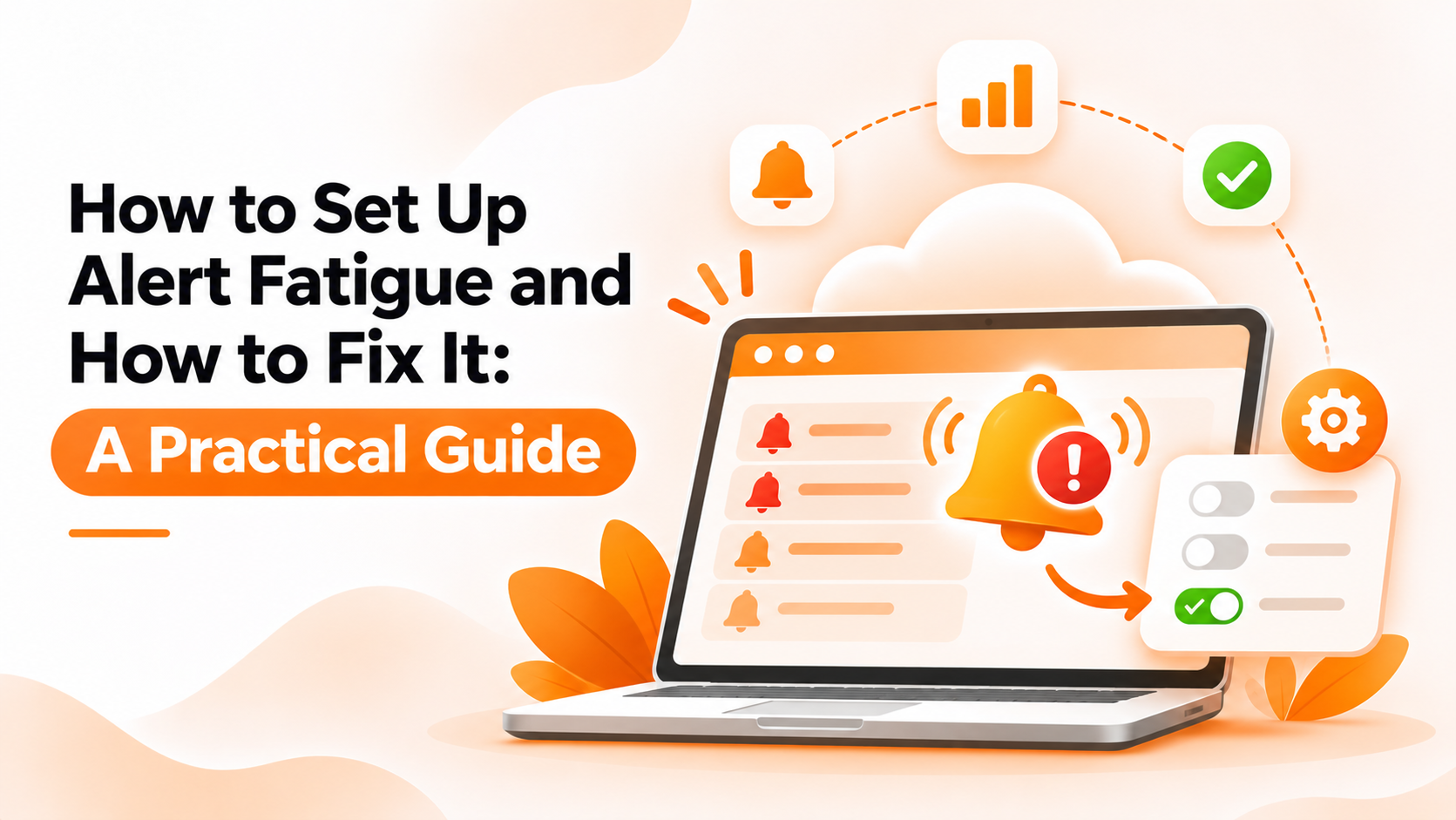
A new monitoring setup starts out useful. Every alert means something, and the team acts on it. A few months later, the same setup is sending dozens of notifications a day, most of them for blips that resolved on their own, and people have started muting the channel. Then a genuine outage fires an alert that looks exactly like the noise around it, and nobody reacts in time. That's alert fatigue devops teams run into constantly — not because monitoring failed, but because it was never tuned to tell the difference between noise and a real problem, and nobody noticed until it was too late to matter.
This guide walks through setting up alerting so it stays trustworthy as your infrastructure grows, step by step, along with the mistakes that quietly cause fatigue to creep back in.
Alert fatigue doesn't happen all at once — it builds slowly as more servers get added, each with whatever default threshold the tool shipped with, until the volume of notifications outpaces anyone's ability to act on them individually. Once that happens, people stop reading alerts carefully, and the system that was supposed to catch problems early starts getting ignored by the very people it's meant to warn.
The real cost isn't just annoyance. A team desensitized to alerts reacts slower to the ones that actually matter, and a genuine incident buried in routine noise can run far longer than it should before anyone notices it's different. Fixing alert fatigue isn't about alerting less in general — it's about making sure every alert that does arrive is one worth acting on.
1. Audit what's actually firing. Look at your alert history and find the ones that go off often but rarely require action. These are usually the biggest contributors to fatigue, and the easiest to fix first, since fixing a handful of noisy sources often removes most of the volume.
2. Set thresholds per resource, not one default. A CPU limit that makes sense for a database server will fire constantly on a lightly used staging box. Adjust limits to match how each resource actually behaves.
3. Add a delay before an alert fires. A brief spike that resolves in a few seconds shouldn't trigger the same response as a sustained issue. A short delay filters out the noise without slowing down real detection, since a genuine problem will still be there once the delay passes.
4. Route alerts to the team that owns the resource. A shared inbox that receives everything trains people to skim rather than read. Alerts reaching the specific team responsible get taken more seriously.
5. Turn on recovery notifications. Knowing when something's back to normal stops people from manually re-checking, which reduces the temptation to just stop looking at alerts altogether.
6. Review thresholds as things change. A setup tuned for last year's traffic will drift out of sync as your infrastructure grows, quietly reintroducing the same fatigue you just fixed. Building this review into a regular habit, rather than only reacting after noise builds up again, keeps the fix from being temporary.
Leaving every resource on the same default threshold is the most common cause of fatigue, since it guarantees some servers will be too noisy and others too quiet. Skipping the delay before alerts fire is a close second — without it, every brief blip gets treated as urgent, and people learn to tune it all out.
Sending every alert to one shared channel, regardless of which team actually owns the issue, also erodes attention fast — people stop checking a channel that's mostly irrelevant to them. And treating the initial setup as a one-time task, rather than something to revisit as usage patterns shift, is how fatigue quietly returns months after it was first solved.
BigBell's monitoring is built around exactly these fixes. Thresholds are set per server or application rather than one blanket default, so a busy database and a quiet staging box don't share the same trigger point. A configurable delay means a brief spike doesn't become an alert until it's actually persisted, and a recovery notification goes out once things return to normal, so nobody has to keep manually checking.
Alerts can be routed at the organization, project, or application level, reaching your team through email, Slack, Microsoft Teams, Google Chat, WhatsApp, SMS, or a phone call — whichever channel the responsible team is actually watching, instead of one shared destination for everything regardless of who actually needs to see it.
Book a demo and see how a tuned alerting setup actually feels day to day.
What exactly causes alert fatigue? A high volume of alerts that don't require real action, usually from default thresholds or missing delays. Over time, people stop reading alerts carefully because most of them turn out to be nothing.
Is more monitoring coverage always a good thing? Not if it's not tuned. Monitoring more servers without adjusting thresholds for each one usually increases noise faster than it increases useful signal.
How do I know which alerts to fix first? Start with whichever ones fire most often without ever requiring action. These contribute the most noise and are usually the quickest to correct.
Does adding a delay mean real incidents get caught slower? No. A short delay only filters out brief blips that resolve on their own — a genuine, sustained issue still triggers an alert quickly.
Can different servers send alerts to different teams? Yes. Alerts can be routed at the organization, project, or application level, so a database alert and a general server alert don't have to reach the same inbox, which keeps each team's channel relevant to what they actually own.
Do recovery notifications actually help with fatigue? Yes. Without them, people tend to keep checking manually after an alert, which adds to the overall noise. Knowing something's resolved removes that extra step.
How long does it usually take to fix an alert fatigue problem? Auditing which alerts fire most often and adjusting their thresholds is typically quick — often a matter of hours, not weeks. The harder part is keeping the habit of revisiting thresholds as infrastructure changes, rather than letting the fix age out of date.
Is alert fatigue only a problem for large teams with lots of servers? No. Even a small setup with a handful of servers can generate enough noisy alerts to desensitize a team, especially if every resource shares the same default threshold from day one.
Should every alert go through the same delay setting? Not necessarily. A delay that works well for a general server alert might be too short or too long for something more specific, like an SSL certificate check, so it's worth reviewing per resource rather than applying one setting everywhere.
What's a reasonable first sign that alert fatigue has set in? If people start saying "it's probably nothing" before even opening an alert, or a channel full of notifications goes largely unread, fatigue has likely already taken hold.