Published Oct. 15, 2024
In an office, a failing server gets noticed because someone sees a red dashboard or hears a colleague say "is the site down?" A distributed team has none of that. Engineers are in different time zones, on different networks, and may be asleep when something breaks. Whether anyone finds out in time depends entirely on how the monitoring is set up, which is why remote team server monitoring deserves its own review rather than a copy of whatever worked in an office.
This list covers seven things worth checking in your own setup. Each one is about getting the right signal to the right person, wherever they happen to be.
An alert sent to a mailbox nobody checks is the same as no alert. Distributed teams usually live in a chat tool during work hours, so alerts should land there, with a louder channel behind it for anything serious. Check where your alerts go today and whether the person on the receiving end would see them within minutes. If the honest answer is "probably by morning," the channel needs changing.
When a team is spread out, "someone will look at it" quietly becomes "nobody looked at it." Each server, application, and URL should have a named person or team responsible for it. If you can't say who gets the alert for a given resource, that's the first gap to close. It's also worth rechecking after every team change, since people move between projects and old assignments go stale.
Checking a site by opening it in a browser tells you about your own connection, not your customers'. Reliable remote monitoring checks availability and response time from outside your infrastructure on a schedule, independent of anyone's location or network. A teammate on slow hotel wifi shouldn't be your uptime check, and a problem shouldn't go unnoticed because everyone who could see it was offline.
An alert at 3 a.m. for a five-second spike teaches people to ignore alerts. Look for a short delay before alerts fire, so only sustained problems page someone, and thresholds set per server instead of one default for everything.
On a distributed team, the person who saw the alert may not be the person who fixed it. Without a recovery notice, people keep checking whether something is still broken, or assume it is when it isn't. A clear "back to normal" message closes the loop for everyone, including people who were offline.
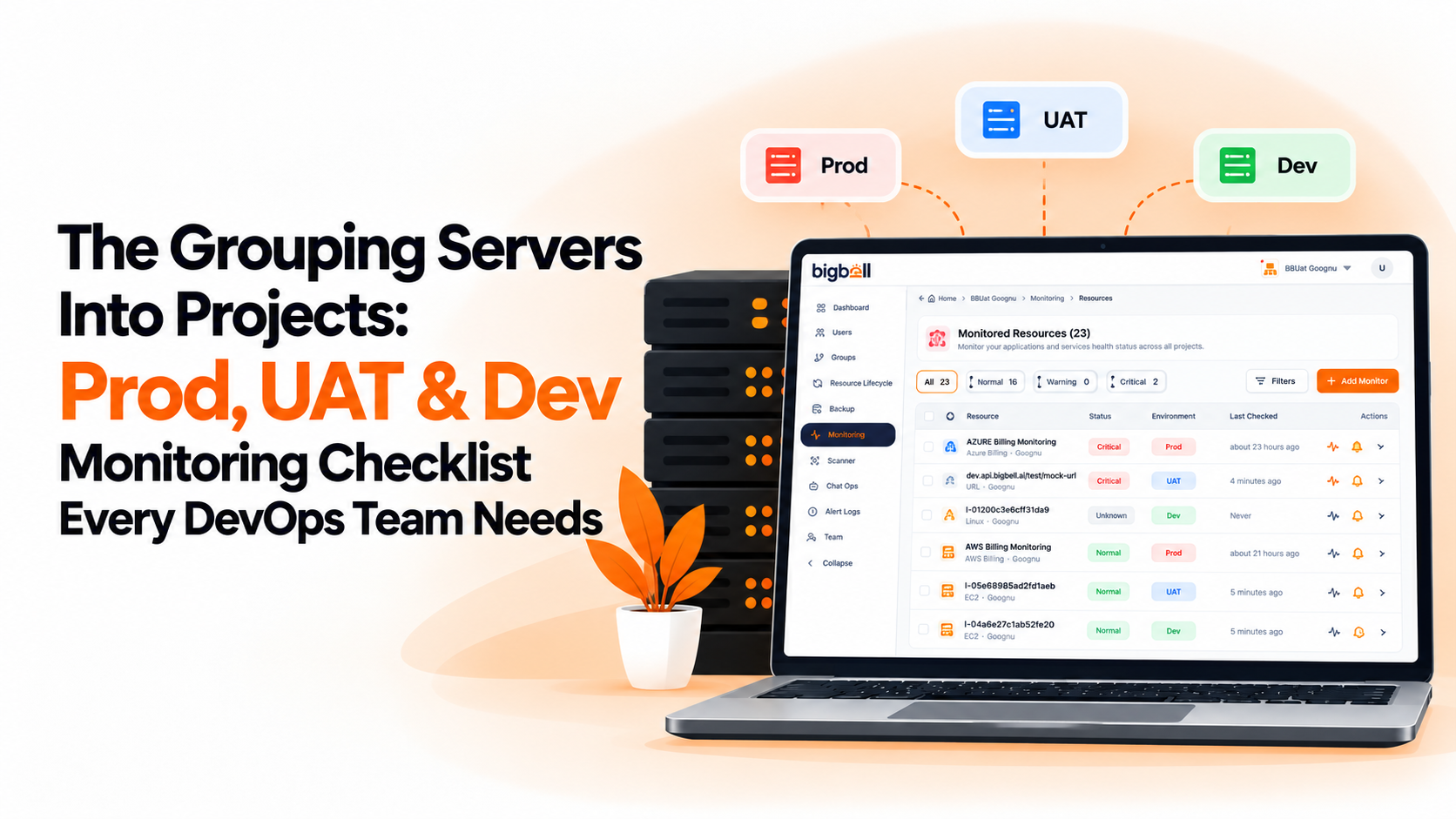
A team of fifteen shouldn't wade through alerts for systems belonging to someone else. Grouping resources into projects, and tagging them, keeps each group focused on what it owns and makes routing simpler.
Chat messages get missed. For critical alerts, check that something more insistent exists, such as an SMS or a phone call, so a real outage doesn't depend on one app being open at the right moment.
Start with the people, not the tool. List who is responsible for what, which hours they cover, and which channels they check. Then look for a monitoring setup that can match that map: alerts routed to specific owners, more than one delivery channel, and enough filtering that overnight alerts are worth reading.
It's also worth trying the setup before relying on it. Trigger a test alert and see how long it takes someone in another time zone to notice. A setup that looks complete on paper can still fail if the channel is wrong or the owner is unclear, and that's much easier to find during a test than during an outage.
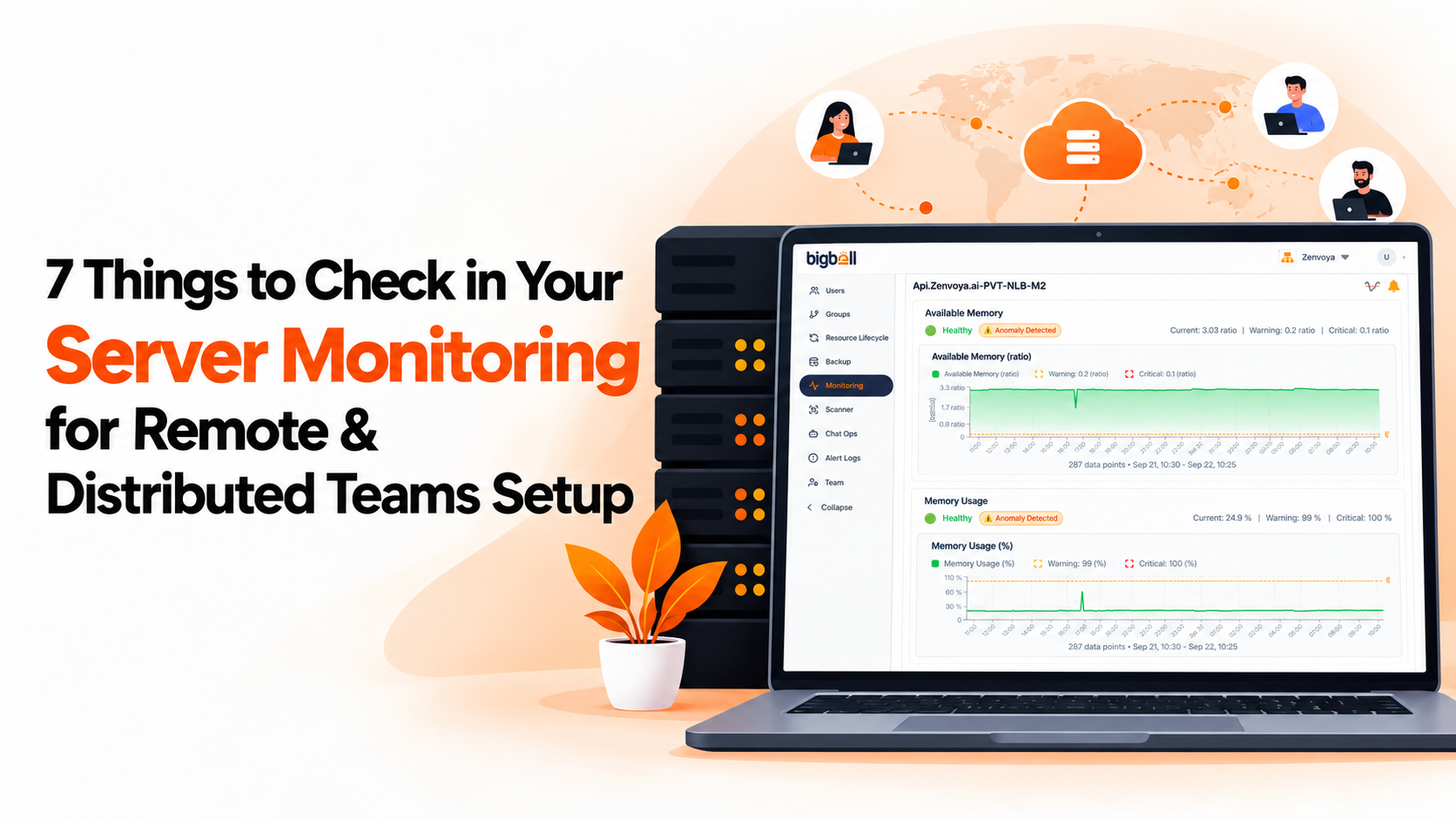
BigBell's monitoring covers several of these checks with features it actually has. URL monitoring runs from outside your infrastructure and tracks uptime and response time, while server monitoring covers CPU, memory, and disk. Resources are organized into projects and applications, and tags can be used to group them further.
Alerts can be routed at the organization, project, or application level, and delivered by email, Slack, Microsoft Teams, Google Chat, WhatsApp, SMS, or a phone call, so a serious alert has more than one way to reach someone. Team members can be assigned to a monitor, thresholds are set per resource with warning and critical values, a configurable delay filters out brief spikes, and a recovery notification is sent when a resource returns to normal.
Try BigBell free and see how alerts reach your team wherever they're working.
Nobody shares a room, so nobody notices a problem by accident. Everything depends on alerts reaching the right person quickly, which makes routing, channels, and ownership matter more than in a co-located team.
The one your team already checks during the day, usually a chat tool. Add a second, more insistent channel such as SMS or a phone call for serious issues, since chat messages are easy to miss.
Filter noise first. A short delay before alerts fire and thresholds tuned per server remove most false alarms, so the alerts that remain are worth acting on.
Yes. Checks run from outside your infrastructure reflect what customers experience. A check that depends on a teammate's own network tells you about their connection instead.
The person or team that can actually fix the problem, usually whoever maintains the resource. Routing alerts to a shared inbox for everyone tends to mean no one acts.
Whenever the team changes. New hires, departures, and people moving between projects all change who should receive which alerts, and stale routing is a common reason alerts get missed.
Not entirely. A smaller team has fewer people to catch a miss, so the basics still matter: a channel people watch, a clear owner, and filtered alerts.
Which resources they own, which channel their alerts arrive in, and what to do when one fires. Walking a new hire through a test alert is faster than explaining it, and it confirms their routing is correct.
Usually, yes. Without a shared room, a missed chat message has no backup, so a second channel for serious alerts matters more than it would in an office where someone might overhear a colleague.
A test shows how long an alert takes to reach someone in a different time zone and whether the channel works. Problems found in a test cost nothing, while the same problems found during an outage cost real downtime.