Published Feb. 25, 2024
Look at when your development and staging servers are actually used. Most are busy during working hours and idle for the rest: nights, weekends, and holidays. Yet they run around the clock, because stopping and starting them by hand is a chore that everyone forgets.
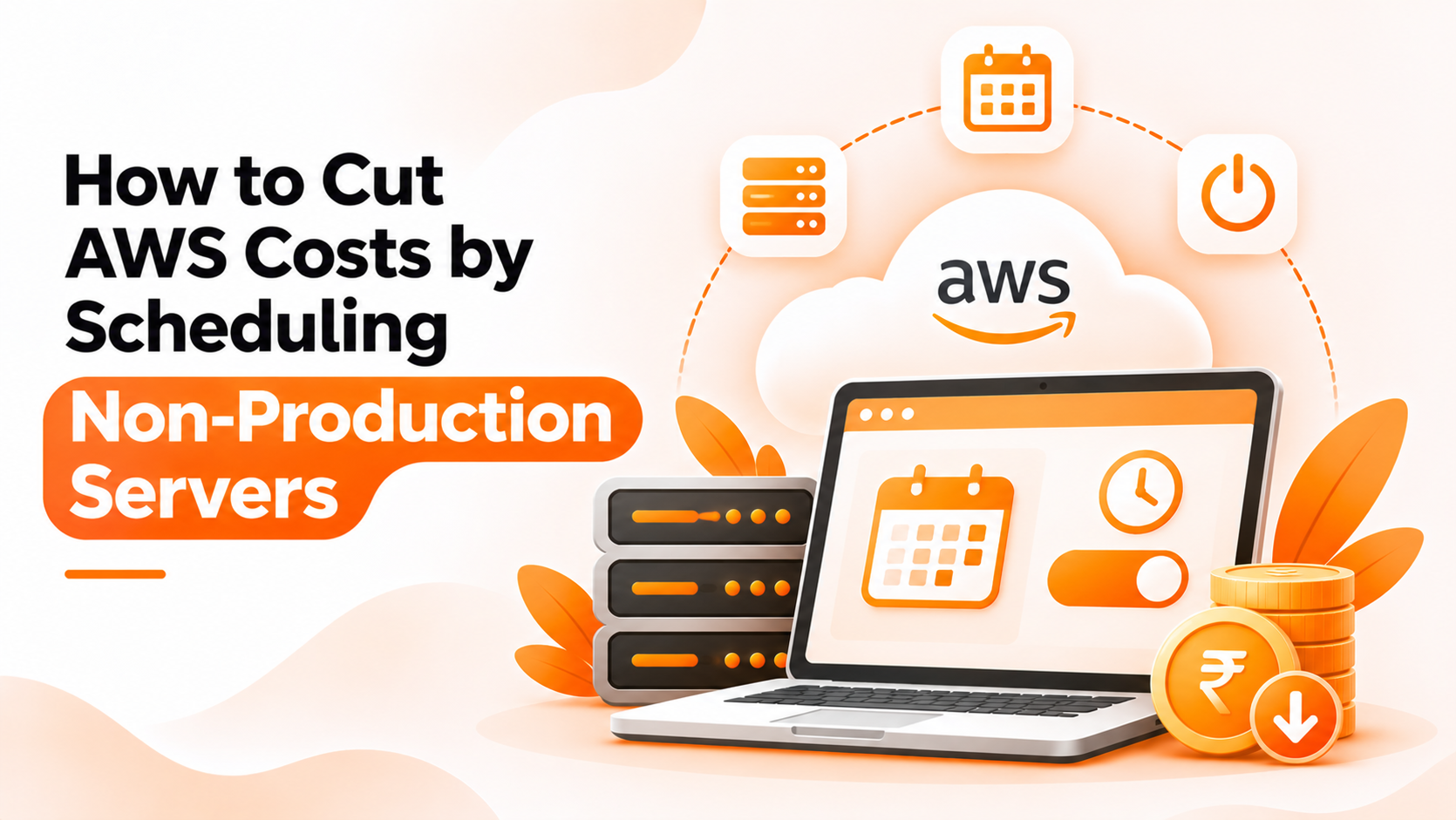
That idle time is the target of AWS cost optimization scheduling: stopping servers when nobody needs them and starting them again when work resumes. This guide compares two ways to do it and explains where Bigbell fits. The first sections are general industry knowledge. The last section covers only what Bigbell provides, and it makes no promise about savings.
The usual starting point is a script. A small function calls the AWS API to stop tagged instances in the evening and start them in the morning, triggered by a timer. AWS also offers its own scheduling solutions, and many teams use infrastructure code or automation tools they already run.
The advantages are control and flexibility. You decide exactly which instances are included, how tags work, what happens on holidays, and how failures are reported. If you already have engineers comfortable with these tools, the extra cost is small.
The drawbacks show up over time. Someone has to write, test, and maintain the script, grant it the right permissions, and make sure it is still running. Changing a schedule often means editing code and deploying it. Knowledge ends up with one person, and when that person leaves, nobody is sure how it works. Scripts also tend to cover only one account or one cloud, while teams grow into several.
The second approach uses a platform where schedules are created through an interface. You pick the instance, choose an action and a time, and the platform carries it out using the cloud credentials you provided.
The benefit is accessibility. People who are not comfortable writing automation can set up, change, and remove schedules. Schedules live in one place, so it is easier to see what is covered. Changes take minutes instead of a code deployment.
The costs are dependence and fit. The platform needs permission to start and stop your servers, so access must be controlled carefully. You are limited to the rules the platform supports, and unusual requirements, such as skipping specific dates, may not be possible. It is also one more system to rely on.
| What matters | Scripts and native tools (Option A) | Management platform (Option B) |
|---|---|---|
| Flexibility | Any logic can be coded, including exceptions | Limited to the rules the platform supports |
| Ease of use | Needs code and deployment | No code; schedules set in an interface |
| Visibility | Logic spread across repositories and timers | All schedules in one place |
| Maintenance | Needs regular care and an owner | Handled by the platform for most teams |
| Cost | No license, but takes engineering time | May have a price, but frees that time |
Choose scripts or native tools if you need complex rules, already have the skills, and want everything in your own code. Choose a platform if you want simple, visible schedules that more people can manage.
Whichever route you take, a few habits matter more than the tool. Start with non production only, and confirm with each team that stopping their servers is acceptable. Check what else depends on those servers before stopping them. Remember that stopping an instance does not stop every charge. In general, a stopped EC2 instance no longer accrues compute charges, but storage volumes and some other resources continue to cost money. Measure your bill before and after, so you know what the change delivered.
Bigbell follows the platform approach. Its Resource Lifecycle Management lets you create schedules that start, stop, or resize instances at times you choose. This works for EC2 instances, and also for Azure and Google Cloud virtual machines. For RDS, schedules apply to changing the database instance class.
To set one up, you choose the instance, the action, and a cron expression that defines when it runs. Bigbell shows the expression in plain English so you can check it. For a typical working hours pattern, you would create two schedules for the same server: one to start it in the morning and one to stop it in the evening. You can edit or delete a schedule later, and an instance can have several. Bigbell's AI chat can also create and manage these schedules, and it asks for missing details such as the time or region.
The limits are important. Schedules are interpreted in Indian Standard Time, so convert your working hours before entering them. Bigbell does not choose which servers are non production, and it has no tagging rules or holiday calendars. We have not verified notifications for scheduled actions or reports on what a schedule saved. Bigbell does not promise or calculate savings, so compare your own bills. It also does not stop the dependencies around a server, so check those yourself.
Book a demo to see how start and stop schedules are created and managed.
Which servers are good candidates for scheduling? Development, testing, and staging servers that are idle outside working hours.
Does stopping an EC2 instance stop all charges? No. Compute charges stop, but storage volumes and some other resources continue to be billed.
Can Bigbell schedule starts and stops? Yes. For EC2, Azure VMs, and Google Cloud VMs, you can schedule start, stop, and resize actions.
Can Bigbell schedule RDS stops? No. For RDS, schedules apply to changing the instance class.
How do I set a schedule in Bigbell? Choose the instance and action, then enter a cron expression. Bigbell shows it in plain English.
What time zone does Bigbell use? Schedules run in Indian Standard Time.
Can I use more than one schedule on a server? Yes. A common pattern is one schedule to start it and another to stop it.
Can the AI chat create schedules? Yes. It can create, update, and delete schedules, and it asks when details are missing.
Does Bigbell tell me how much I saved? No. It does not calculate or promise savings.
Does Bigbell find idle servers automatically? Its scanner can flag servers that look over-provisioned, but it does not pick servers for scheduling.
What should I check before stopping a server? Other services that depend on it, running jobs, and any need for a fixed IP or in memory data.
How do I confirm the schedule worked? Check the instance state in your cloud console and compare your bill over time.
Will a stopped instance keep its data? Data on attached storage volumes remains, but data held in memory is lost when the instance stops.
Do public IP addresses change after a stop and start? Often yes, unless the instance uses a fixed address, so check how other systems reach the server.
Should production servers be scheduled? Rarely. Most production systems must stay available, so start with non production.
How should I tell teams about scheduling? Announce the hours in advance and give them a way to request exceptions.