Published June 25, 2025
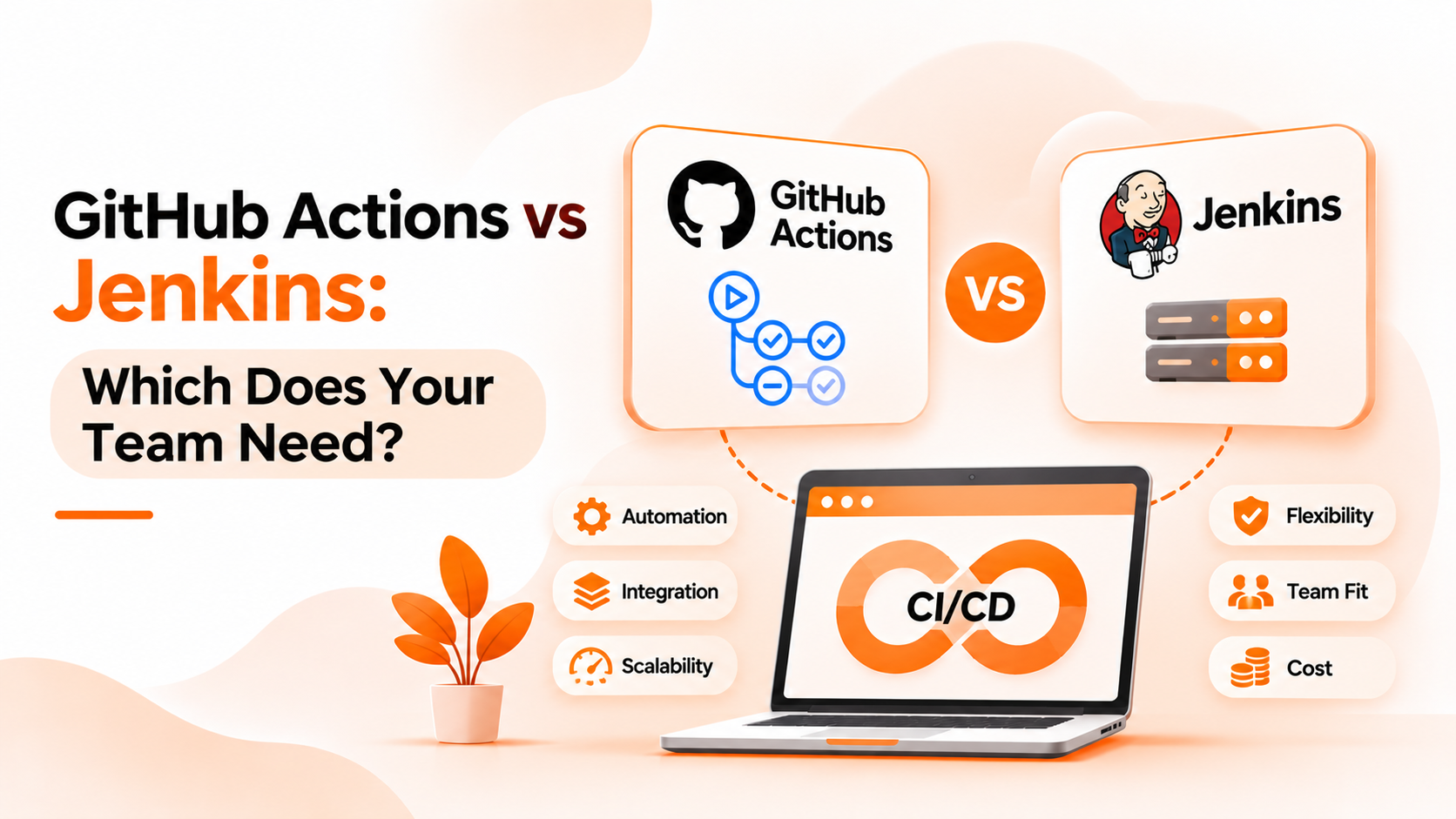
Few questions start more debate in engineering teams. One camp says GitHub Actions is simpler and already where the code lives. The other says Jenkins is more flexible and fully in your control. Both are right about something, which is why the question of GitHub Actions vs Jenkins rarely has a single answer.
This guide explains what a pipeline is, where the two tools really differ, and how to decide. The first sections are general industry knowledge. The final section covers only what Bigbell provides.
A pipeline is an automated sequence of steps that takes code from a change to a result. Typical steps are checking out the code, building it, running tests, and, in many teams, deploying it. The point is repeatability. Every change goes through the same steps, in the same order, without someone doing them by hand.
Both tools run pipelines, but they are built differently. GitHub Actions is part of GitHub. Workflows are defined in files stored in the repository, and they run on machines called runners, which can be provided by GitHub or hosted by you. Jenkins is software you run yourself. A central server, often called a controller, schedules work, and agents carry it out. Pipelines are commonly written in a file kept with the code, and plugins add capabilities.
In short, one is a feature of a hosted platform, and the other is a tool you operate.
The first misunderstanding is that one is simply better. Each fits different circumstances. A small team with code on GitHub may find Actions faster to start with. A team with unusual requirements may value Jenkins's flexibility.
The second is that Jenkins is outdated. It is older, but it is still widely used, especially where teams want to host everything themselves or have years of existing jobs. Age is not the same as obsolescence.
The third is underestimating cost. Jenkins has no license fee, but someone must patch it, manage plugins, and maintain servers. GitHub Actions removes much of that work, but usage may carry charges depending on your plan and how you run jobs.
The fourth is assuming migration is a copy and paste. Pipelines are written differently, plugins have no direct equivalent, and secrets and permissions are handled differently. Moving takes planning.
The fifth is treating the choice as either or. Many organizations run both, since different projects have different needs.
Begin with where your code lives. If most repositories are on GitHub, Actions is easy to adopt because workflows sit next to the code and use the same permissions.
Consider who will maintain the tool. If nobody has time to look after servers, a hosted option removes a burden. If you already have people who know Jenkins well, that experience has real value.
Think about control and constraints, because these often decide the question on their own. If builds must run inside your own network, or you depend on a particular plugin, Jenkins or self hosted runners may be required. Check what your security and compliance needs say.
Look at what you already have. A large library of working Jenkins jobs is an asset, and rewriting them takes time that needs a clear reason.
Plan for coexistence. If you run both, decide how people will find and start jobs across them, and who owns each pipeline. The same questions arise if you run several Jenkins servers, which our practical guide covers.
Bigbell's pipeline orchestration features work with Jenkins. They do not cover GitHub Actions.
For Jenkins, you can connect a server to your Bigbell organization using its address, a username, and an API token. Bigbell checks the credentials when you save them and shows whether the connection is active. You can connect more than one server. From a connected server, you can list its jobs, including jobs in folders, see each job's parameters, and start a job from Bigbell. If a job needs parameters and none are supplied, Bigbell will not start it and tells you why.
That makes Bigbell useful as a single place to find and start Jenkins jobs, which can matter if your team uses Jenkins alongside other tools. It does not replace Jenkins. Bigbell does not run your builds, create or edit jobs, manage plugins, or display build logs and results.
If you are choosing between the two tools, the decision is independent of Bigbell. Bigbell does not offer features for GitHub Actions workflows, so if that is your main pipeline tool, these features will not apply. We would rather say that clearly than suggest otherwise.
Book a demo to see how Jenkins job listing and triggering work with your servers.
Which is easier to start with? GitHub Actions usually is, if your code is already on GitHub, since workflows live beside it.
Is Jenkins still worth using? Yes, particularly for teams that want to host everything themselves or already have many Jenkins jobs.
Does Jenkins cost money? The software has no license fee, but you pay in hosting and maintenance effort.
Can I use both tools? Yes. Many teams run both for different projects.
Is migration between them simple? No. Pipeline syntax, plugins, and secrets all differ, so it needs planning.
Does Bigbell support GitHub Actions? No. Bigbell's pipeline features cover Jenkins only.
What can Bigbell do with Jenkins? Connect servers, list jobs and their parameters, and start jobs.
Does Bigbell run my builds? No. Jenkins runs them. Bigbell can start a job and report whether the request was accepted.
What is a runner? A machine that executes a workflow's jobs in GitHub Actions. It can be hosted by GitHub or by you.
What is a Jenkins agent? A machine that carries out work that the Jenkins controller schedules.
Which is better for small teams? Often GitHub Actions, because there is less to maintain. It depends on your requirements.
Which is better for strict network requirements? Jenkins, or self hosted runners, since you control where builds run.
Can I keep Jenkins jobs after adopting GitHub Actions? Yes. Many teams move gradually and keep existing jobs where they work well.
Can I use Bigbell's pipeline features with GitHub Actions? No. They are built around Jenkins, and we make no claims about GitHub Actions.
How does Bigbell check a Jenkins connection? When you save it, Bigbell tests the credentials and records whether they work.
Do I need to choose only one tool? No. Choose per project, based on where the code lives and what each team can maintain.
How do secrets work in each tool? Each handles secrets differently, so review how credentials are stored and who can read them before moving pipelines.
What should I test before switching? Run a representative pipeline end to end, including secrets, caching, and deployment, and compare results.
Is a hosted tool always cheaper? Not always. Compare usage charges with the cost of hosting and maintaining your own servers.
Who should own the pipeline tool? A named team, so patches, access, and upgrades are not left to chance.