Published Sept. 5, 2023
A new server goes live on a Thursday. It is built carefully, deployed well, and never added to monitoring, because the person who knew how was on leave. Three weeks later its disk fills up, the application stops, and customers find out before the team does. Nothing was misconfigured. The server was simply never onboarded.
This is what happens when server monitoring onboarding gets skipped. The fix is not a better tool but a short, repeatable checklist that every new server goes through. This one covers the steps, why they matter, and what Bigbell can do to speed them up.
Registering the server gives it an owner. When an alert fires at night, someone must know whose problem it is. Grouping by environment also allows stricter alerts for production than for test.
Choosing the collection method decides what you can see. An agent inside the server sees detail that outside tools cannot. A cloud connection sees what the provider measures. An external check sees what a user sees.
The basics catch the most common failures. Disks fill, memory runs out, and CPU stays pinned.
Monitoring the user facing endpoint answers the question that matters most: does it work for the people using it? A server can pass every internal check while the page returns errors or the certificate expires.
Thresholds turn numbers into decisions. A warning says "look at this soon." A critical says "act now." Without them, every graph needs a human to interpret it. Defaults are only a starting point, and some are very loose. Review them against what normal looks like.
Check frequency is a trade off. Frequent checks find problems sooner but add noise, so match the frequency to how fast a failure becomes costly.
An alert delay reduces false alarms. Many servers spike for a moment and recover. Waiting for a problem to persist before raising an incident means people are woken for real problems.
Routing is where good monitoring often fails. An alert to a shared inbox that nobody reads is the same as no alert. Send each alert to the team that owns the system, in a tool they use.
Testing an alert proves the whole chain works. Channels get misconfigured and tokens expire, and you want to learn that during a test.
Regular reviews keep the setup honest, since roles change, thresholds go stale, and owners leave.
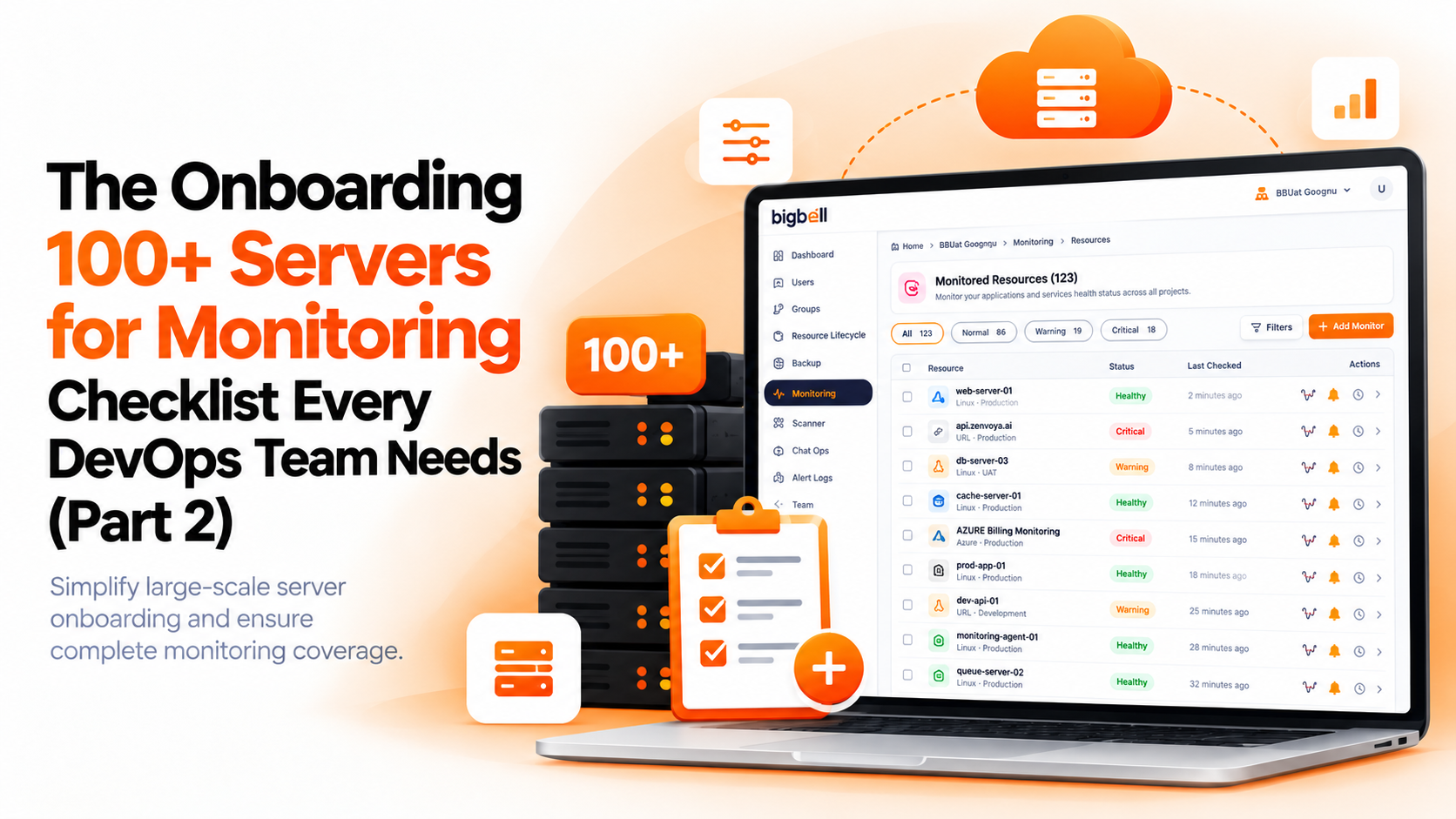
Bigbell cannot onboard a server for you with one click, and it does not detect new servers and start monitoring them on its own. It does cover several checklist items inside one platform, so there are fewer places to configure.
For registration and grouping, Bigbell organizes monitoring into projects and applications, with tags available for filtering. For collection, there are three routes. You can connect a cloud account for AWS, Azure, or Google Cloud monitoring. You can install Bigbell's monitoring agent on a Linux server, either through a bridge that discovers resources and installs plugins, or through a standalone setup for a remote system. And you can add a website or application address for external checks of availability, response time, certificate expiry, and content changes. The server level agent is for Linux. Bigbell does not have a Windows agent.
For the basics, the Linux agent reports CPU, memory, and disk. For thresholds, Bigbell provides warning and critical levels with default values that you can override at the project or application level. Some defaults are loose. For example, the defaults for CPU and memory percent are 99 and 100, so review them. Polling frequency is configurable, and an alert delay can wait for a breach to persist before an incident is raised.
For routing, you can send alerts by organization, project, plugin, or individual application, to email, Slack, Microsoft Teams, Google Chat, WhatsApp, SMS, and calls. Bigbell has verification workflows for communication channels, which supports the test step. It keeps an alert log showing the resource, metric, severity, and recipient. For reviews, monitoring data feeds reports covering seven or thirty day periods, and Bigbell supports weekly PDF reports.
Be aware of the limits. We have not verified a feature that applies a standard checklist template to every new server, so thresholds and routing need to be set for each.
Try Bigbell free to see how a new server is set up for monitoring.
What is server monitoring onboarding? The set of steps that brings a new server into monitoring, from registration to alert testing.
Why does it often get skipped? Servers are built in a rush, and monitoring depends on one person's memory.
Does Bigbell start monitoring new servers automatically? We have not verified that. Each server is set up through the platform.
What does Bigbell's agent monitor? CPU, memory, and disk on Linux servers.
Does Bigbell have a Windows agent? No. Its server agent is for Linux.
Can Bigbell check a website? Yes. It checks availability, response time, certificate expiry, and content changes.
Can I change the default thresholds? Yes. You can override them at the project or application level.
Are the defaults safe to leave? Not always. Some, such as CPU and memory percent, are set very high, so review them.
What is an alert delay? A wait that lets a problem persist before an incident is raised.
Which alert channels does Bigbell support? Email, Slack, Microsoft Teams, Google Chat, WhatsApp, SMS, and calls.
How do I test an alert? Use a channel verification or a safe test, and confirm the right person receives it.
Does Bigbell keep a history of alerts? Yes. The alert log records the resource, metric, severity, and recipient.
How often should I review monitoring? At least monthly, and after major changes.
What are the minimum checks for a new server? CPU, memory, disk, and one check of the service users reach.
Should test servers get the same alerts as production? Usually not. Use looser thresholds and quieter channels for non production.
How do I pick a check frequency? Match it to how quickly a failure causes harm, and avoid checking more often than you can respond.
What should I do when a threshold keeps firing? Decide whether it signals a real problem. If not, change the threshold or remove the alert.
Who should own server monitoring onboarding? A named person or team, so every new server goes through the same steps.
Can I monitor a server without installing anything? Yes, through cloud account metrics or external checks, though they show less detail than an agent.