Published July 5, 2025
The first ten servers get onboarded carefully. By the sixtieth, the process has turned into copy and paste. By the hundredth, nobody can say which servers are reporting, which were skipped, and which belong to a team that no longer exists. Then an unmonitored server fills its disk, and the incident review finds that it was never added in the first place.
Part 1 of this checklist covered the preparation. This second part covers the rollout itself. Good server monitoring onboarding at this size is less about the tool and more about order: what you decide first, what you test early, and how you prove nothing was missed.
Build the inventory first. At 100+ servers, memory isn't a source of truth. Pull the list from your cloud accounts, your configuration records, or whatever your team already trusts, and use it as the finish line. Without it, "done" just means "we stopped adding servers." Include owner and environment in the list, because you'll need both later when assigning alerts.
Decide projects and environments up front. Production, staging, and development need different limits and different alert destinations. If you onboard everything into one flat group and sort it out later, you'll spend weeks moving servers around and retuning alerts. Decide the structure before the first server goes in, and write it down so every engineer onboards servers the same way.
Agree on names and tags. A server called "web-3" tells you nothing at two in the morning. A consistent naming pattern, plus tags for team and role, lets anyone find the right server and the right owner quickly. Agree on the pattern once, then apply it to every server. Retrofitting names across a hundred servers is tedious, and it rarely gets finished.
Onboard a pilot batch. Start with five to ten servers that represent your range: a web server, a database, a batch worker. Problems like a blocked network path or a missing permission show up in the pilot, where they cost minutes, instead of across a hundred servers, where they cost days. Use what you learn to fix the checklist itself before the main rollout begins.
Confirm every server is reporting. Installing an agent isn't the same as getting data. After each batch, check that each server has actually sent recent readings. A server that silently never reported looks the same as a healthy one on a dashboard.
Set shared thresholds, then add exceptions. Choose sensible warning and critical limits for each project once, rather than tuning a hundred servers by hand. Then give custom limits only to the servers that genuinely behave differently, such as a database host. This keeps the setup reviewable.
Assign an alert owner to every project. An alert needs a human who can act on it. If ownership isn't set during onboarding, alerts fall into a shared inbox and are ignored within a week. Name the owner, and the channel they actually check, while the rollout is happening. Production should reach someone quickly, while staging can go to a quieter destination.
Compare against the inventory, and repeat. The final step is also the recurring one. Check the monitored list against the inventory at the end of the rollout, then again monthly. New servers keep appearing, and each one needs the same steps. The monthly comparison is what keeps a hundred servers from quietly becoming a hundred and twenty with twenty unwatched.
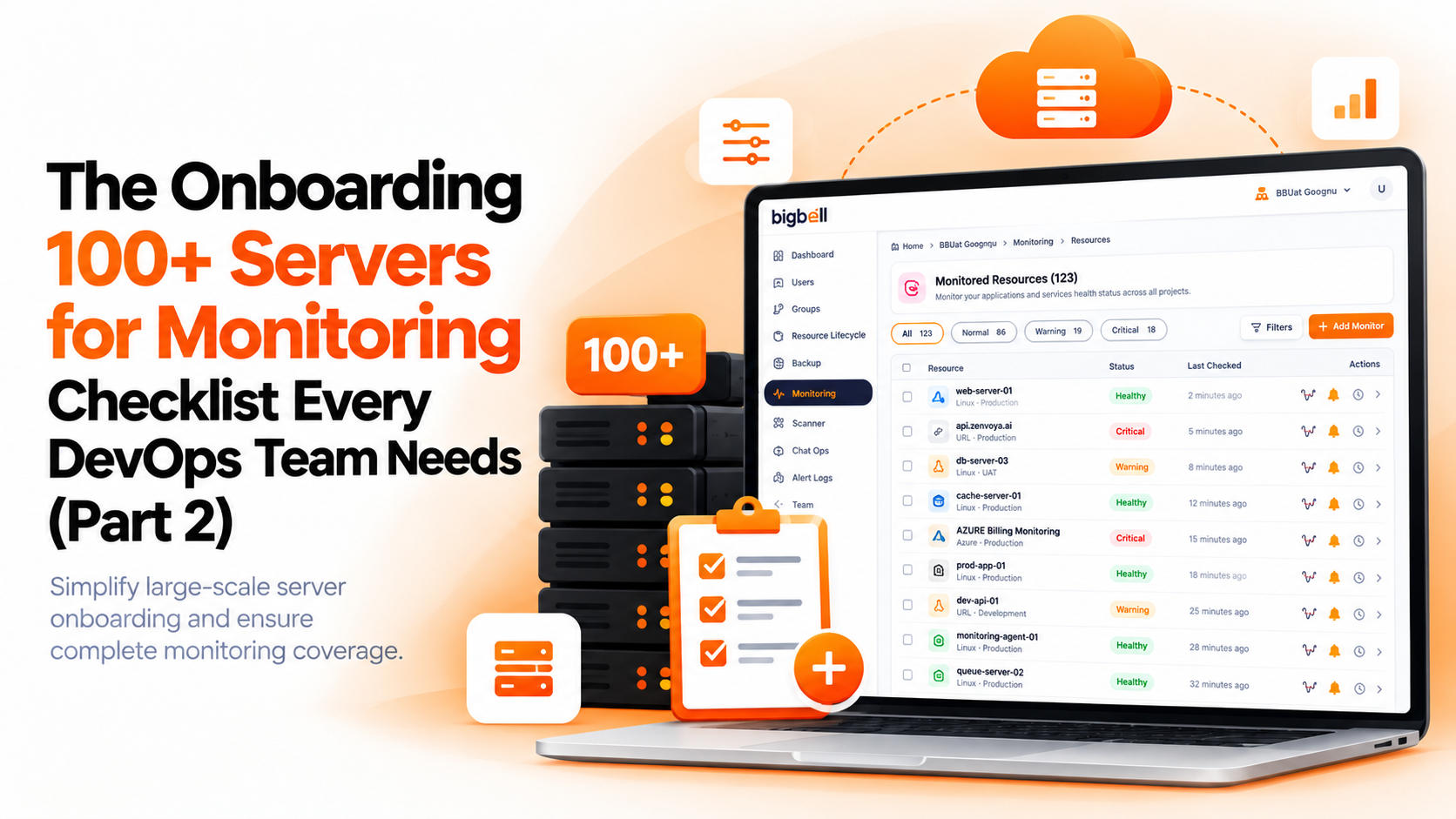
BigBell takes the manual work out of several of these steps, and it's honest about where you'll still need process. For AWS, Azure, and GCP, you connect your cloud account and BigBell lists the instances it finds, so the inventory and the onboarding start from the same source. For Linux servers anywhere else, each server reports through an installed agent, which covers CPU, memory, and disk. Those servers are added individually, so the pilot-batch and reporting checks above matter most there.
Resources are organized into projects, with tags for additional grouping. Thresholds are set per resource with separate warning and critical values, and they can be set at the project and application level, so a project can share defaults while one server has its own. A configurable delay filters brief spikes.
Alerts can be routed at the organization, project, or application level to email, Slack, Microsoft Teams, Google Chat, WhatsApp, SMS, or a phone call, and a recovery notification is sent when a resource returns to normal. You can read more on the BigBell monitoring page.
Build the inventory, decide your projects and tags, then onboard a small pilot batch before everything else.
For AWS, Azure, and GCP, BigBell lists instances through your connected cloud account. Other Linux servers are added individually through the agent.
Check for recent readings after each batch. Don't assume that an installed agent means data is arriving.
Mostly no. Set shared limits per project, then add exceptions only where a server behaves differently.
By environment first, such as production and staging, using projects. Tags can add a second grouping, like team or role.
The team responsible for each project, through a channel they check. Avoid sending everything to a shared inbox.
Five to ten servers that represent your range of roles. It's enough to surface problems without creating a large cleanup.
It depends on your process, but doing it in batches with a check after each one is usually faster than one big push that needs rework.
Yes, and it's recommended. Start with production, then add staging and development in later batches.
They can report through the Linux agent, and public endpoints can be covered with URL and SSL monitoring.
Monthly. Compare your inventory with the monitored list, and chase any server that's missing or silent.
Servers that were installed but never reported, and servers that nobody added at all. Both are caught by checking data and comparing against the inventory.
Yes, in a later batch, with looser limits and a quieter alert destination than production.
Treat the silence as a problem. Check the server and the agent, and don't assume a flat line means everything is fine.
One named person, with a short written checklist. Several people improvising different steps is how servers get missed.
Yes. You can contact the BigBell team with questions about your own environment.
Ready to onboard your own servers? Try BigBell free.