Published June 15, 2025
Most teams set their thresholds once, during setup, and never touch them again. Six months later the same alert fires every night and everyone ignores it, while a real problem sits just under a limit that was never right for that server. The thresholds still exist. They've just stopped reflecting how the system behaves.
Part 1 of this list covered the starting points. This second list is about the details that keep server monitoring thresholds useful over time, because a limit that suited last year's traffic can be wrong today.
A limit picked because it "sounds right" is a guess. Look at a week or two of real data for each server and see where it normally sits, and where it sits on its busiest day. Your warning level belongs a little above that range and your critical level well above it. A server that normally idles at 10% and one that normally runs at 70% shouldn't share a limit. Write the baseline down next to the limit, so the next person knows why it was chosen.
If the two levels are only a couple of points apart, you get a warning and a critical alert within minutes of each other, and the warning is wasted. The gap should give someone time to act. A warning should mean "look at this today," and a critical alert should mean "act now." Check that each level has a different meaning and a different destination, such as a chat channel for warnings and a phone call for critical alerts.
A backup job or a deployment can push CPU high for a minute or two, then drop back. Alerting on that single reading wakes people for nothing. Require the problem to persist for a few minutes before an alert goes out. Keep the delay short for critical limits, so real outages are still caught quickly.
Most servers in a project can share one set of limits. A few, like a database host or a batch worker, need their own. Set the common values broadly and make exceptions only where behavior really differs, instead of copying a custom value onto every server. It's far easier to review.
A disk that fills over days doesn't need a check every few seconds. A public checkout page does need frequent checks. If you check too rarely, you detect a failure late. If you check far more often than needed, you create noise with no benefit. Pick the frequency per monitor, based on how fast the thing can actually go wrong, and revisit it when a service becomes more important.
An alert that never says "resolved" leaves people guessing. Someone has to log in and check whether the problem is over, or the channel fills with open questions. Recovery notifications close the loop: they tell the team a resource is back to normal so they can stop watching it.
An incident is the best test your limits will ever get. Afterward, ask two questions: did an alert fire early enough, and did anyone get paged who didn't need to be? Adjust the limit while the details are fresh. A quarterly review catches the slow drift that no single incident shows.
Whatever tool you use, check it against a short list. Can you set separate warning and critical values per resource? Can you add a delay? Can you change limits for one server without changing every other? Can alerts go to different people depending on the project? And does it notify you on recovery?
Then try it on a real server. Push a test disk toward its limit and see which alert fires, who receives it, and how long it takes. A tool that handles a deliberate test well is far more likely to handle a real incident. Involve the person who'll be on call, since they'll notice practical problems that a feature list hides.
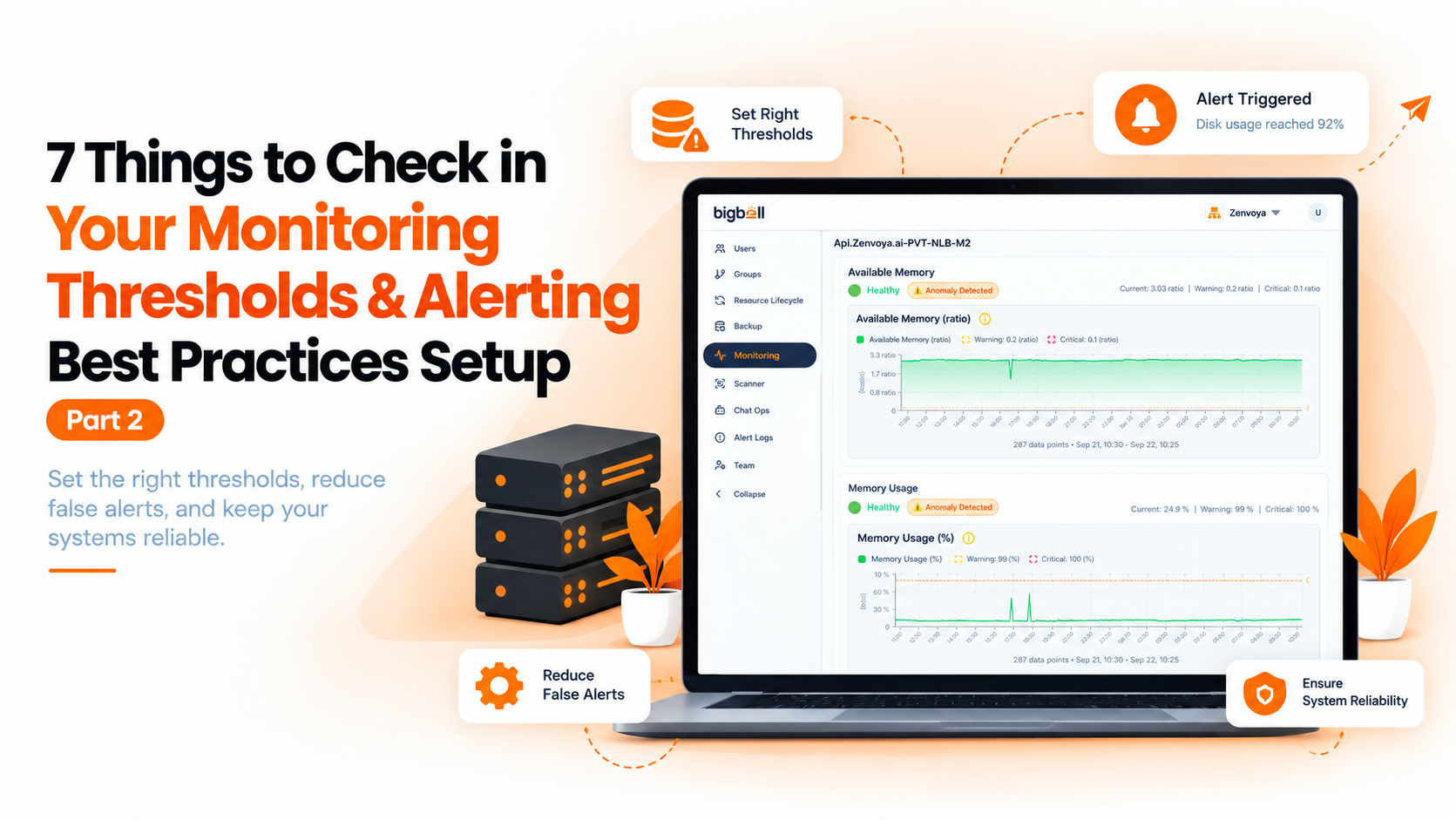
BigBell lets you set thresholds per resource, with separate warning and critical values. Thresholds can be set at the project and application level, so a project can share defaults while one server has its own. A configurable alert delay filters brief spikes, and check frequency is chosen per monitor, from a few seconds up to once a day.
Alerts can be routed at the organization, project, or application level to email, Slack, Microsoft Teams, Google Chat, WhatsApp, SMS, or a phone call, and a recovery notification is sent when a resource returns to normal. For Linux servers, the agent reports CPU, memory, and disk, and URL monitoring covers response time and SSL certificate expiry. You can read more on the BigBell monitoring page.
There's no universal number. Start with a tool's defaults, then adjust each server using a week or two of its own data.
Usually because limits are too tight, there's no delay, or one limit is shared by servers that behave differently. Fix those three first.
Far enough that someone has time to act between them. If both fire within minutes, the warning adds no value.
It waits for a problem to persist before alerting, so brief spikes from jobs or deployments don't wake anyone.
Yes. Thresholds can be set at the project and application level, so one server can differ from the rest.
Yes. A notification is sent when a resource returns to normal.
To email, Slack, Microsoft Teams, Google Chat, WhatsApp, SMS, or a phone call, routed at the organization, project, or application level.
It depends on the resource. Public pages deserve frequent checks, while slow-moving resources like disk space don't.
Usually not. Give staging looser limits and a quieter destination so test activity doesn't compete with real alerts.
After every incident, and at least quarterly. Limits drift as workloads and server sizes change.
Setting limits once and never revisiting them. The system changes, and stale limits either stay silent or never stop firing.
Not automatically. Growth can raise normal usage, so look at fresh data first, then move limits only where the new baseline justifies it.
No. Server metrics show how a machine is doing. A URL check shows whether customers can reach it, and you need both.
Yes. You can contact the BigBell team with questions about your own servers.
Ready to tune your own limits? Try BigBell free.