Published July 15, 2024
A server starts throwing errors at 2 a.m. The on-call engineer gets no alert, because nobody's watching for it in real time — but when they finally start digging the next morning, the application logs have the whole story: the exact error, the exact timestamp, the exact request that triggered it. The information was there the entire time. Nobody just knew to look until a customer complained.
This is the gap that opens up when a team never sits down and works out monitoring vs logging, explained clearly enough to act on. Both feel like "we're covered" on their own, and that's exactly why the difference gets ignored until an incident makes it obvious.
Monitoring and logging solve different problems, but they get lumped together under the same general idea of "we track what's happening." A team that's set up detailed application logging reasonably assumes they'd notice if something broke — the information is being recorded, after all. What's missing is anyone actively watching for a problem in real time, which is a different job than recording what happened after the fact.
The reverse also happens. A team with dashboards and uptime alerts feels monitored, and stops maintaining detailed logs because the alerts already tell them something's wrong. Then an alert fires, and there's nothing to explain why.
Neither gap gets noticed until it matters, because both setups look complete from a glance at the tooling in place. Nobody audits a monitoring setup by asking "what happens the moment this breaks, step by step" — they just check that something is running, which isn't the same thing. It's only during an actual incident that the missing half becomes obvious.
Relying on logs alone means problems get discovered reactively — usually by a customer, or by someone happening to check, rather than by the system telling you. By the time anyone's looking at the logs, the issue has often been running for a while.
Relying on monitoring alerts alone creates a different cost: you know something's wrong, but not why. An alert says a server is unhealthy; it doesn't say which request, which process, or which change caused it. Without logs, every investigation starts from a guess rather than evidence, which stretches out exactly the part of an incident you want to be fastest.
Either gap also erodes trust in the tooling itself over time. A team burned by discovering an outage from a customer stops trusting its dashboards. A team that keeps hitting dead ends during root-cause analysis stops trusting its alerts to mean anything actionable, and both reactions push people back toward manual checking, which is exactly what proper tooling was supposed to replace.
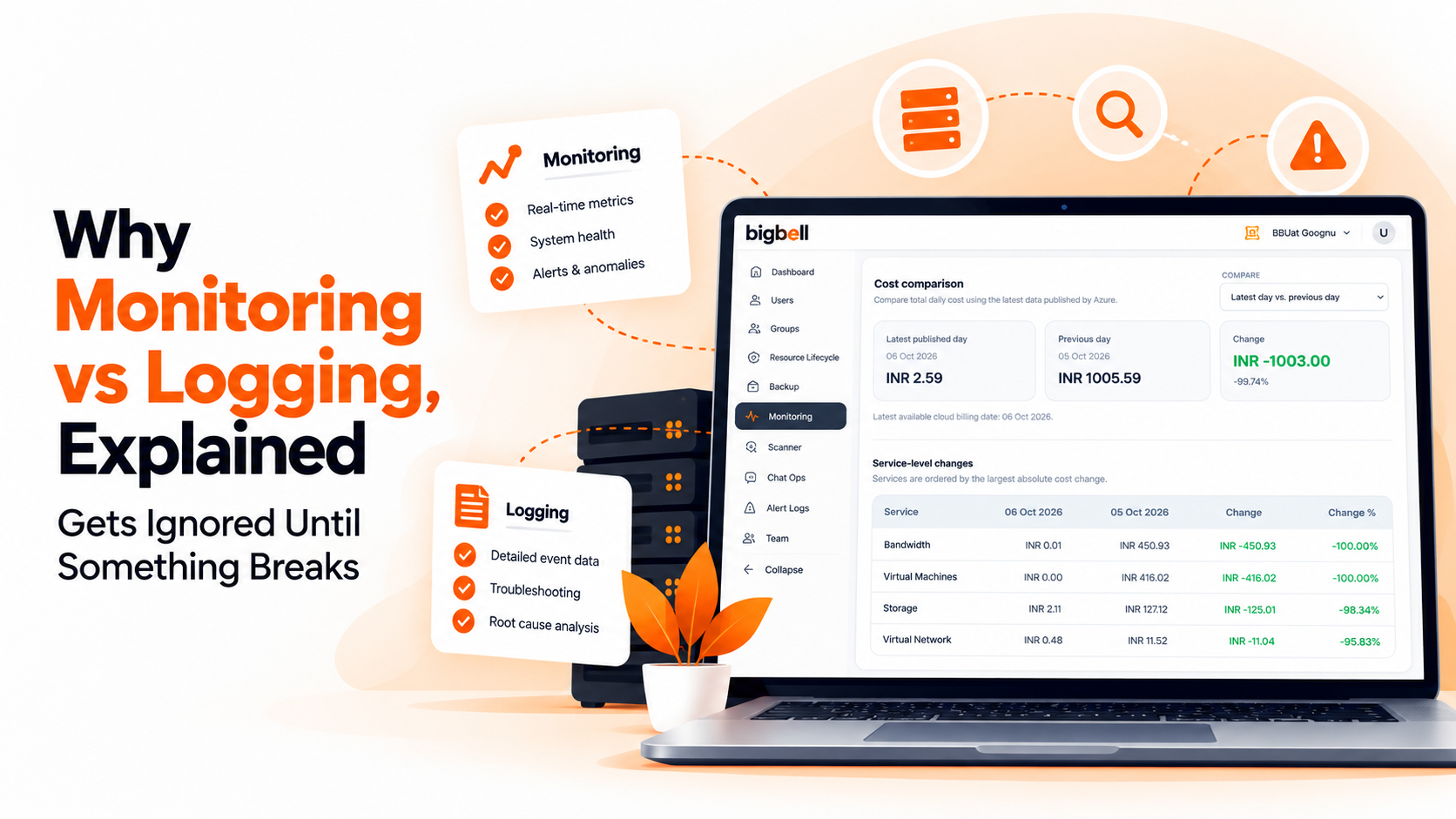
Treat monitoring and logging as two different jobs rather than one bigger idea. Monitoring's job is to tell you, continuously and proactively, whether something is healthy right now — resource usage, uptime, response time — and to alert someone the moment it isn't. Logging's job is to give you a detailed record of what actually happened, so you can reconstruct the cause once you know something's wrong.
Set both up deliberately, rather than assuming one implies the other. Monitoring should catch the "something's wrong" signal fast, with alerts tuned to avoid noise and routed to whoever can actually act. Logging should be detailed enough that, once alerted, your team isn't reconstructing events from memory or guesswork. The two working together — a fast signal plus the detail to explain it — is what actually shortens an incident, not either one on its own.
BigBell's monitoring is built specifically for the "is something wrong right now" half of this equation. A lightweight agent tracks CPU, memory, and disk usage continuously on Linux servers, and for cloud virtual machines, BigBell pulls performance data directly from AWS CloudWatch, Azure Monitor, or Google Cloud Monitoring. URL monitoring checks uptime and response time from outside your infrastructure, and SSL certificate expiry is tracked on its own schedule. Thresholds are set per resource, a configurable delay filters out noise, and alerts reach your team through email, Slack, Microsoft Teams, Google Chat, WhatsApp, SMS, or a phone call, routed at the organization, project, or application level.
BigBell doesn't handle the logging half of this picture — it isn't a log aggregation or log search tool, and it doesn't ingest or store detailed application event logs. Its role is the proactive alerting side: telling you fast when something needs attention. A dedicated logging setup alongside it is still what gives your team the detail to figure out why.
Book a demo and see how the monitoring half of this actually works.
Monitoring tells you something is wrong right now. Logging tells you what actually happened, in detail, once you know to look.
Not really. Logs only help once someone is looking at them. Without active alerting, a real problem can sit unnoticed in the logs for a long time before anyone checks.
No. An alert tells you something is unhealthy, but rarely explains the exact cause. Logs are what let you go from "something broke" to "here's why."
Yes. Assuming one covers the other is one of the more common gaps in an otherwise reasonable-looking setup, and it usually only becomes visible during an actual incident, once it's already too late to fix quickly.
No. BigBell focuses on proactive monitoring — resource usage, uptime, SSL expiry, and alerting. Detailed log storage and search would need a separate, dedicated tool, and the two are meant to complement each other rather than duplicate one another.
Ask whether an incident would be caught by an active alert before a customer notices, and whether your team could explain the root cause afterward without guessing. If either answer is no, that's the gap to close first.
Monitoring is usually worth prioritizing first, since it's what tells you a problem exists before a customer does. Logging can be added or expanded as the application grows, but skipping monitoring entirely tends to cost more, sooner.
Not really. Tracking CPU, memory, and disk usage over time is closer to a health signal than a detailed record — it can show that something degraded, but it won't explain which specific request or process caused it the way an application log would.
Yes, an alert identifies which resource triggered it, and can be routed to the specific team responsible for that resource. What it typically won't tell you is the deeper cause — that's the part logs are built to answer.