Published Jan. 25, 2026
Ask most teams who can log in to their production servers, and the honest answer is "we think we know." The list exists in several places: server files, old tickets, and the memory of whoever set things up. The first time anyone checks carefully, the result is usually a surprise, such as an account for someone who left a year ago.
A server user access audit is the habit of checking, on purpose and on a schedule, who has access and whether they should. This guide explains what an audit involves, why it is often misunderstood, and how to run one. The first sections are general practice. The last section covers only what Bigbell provides.
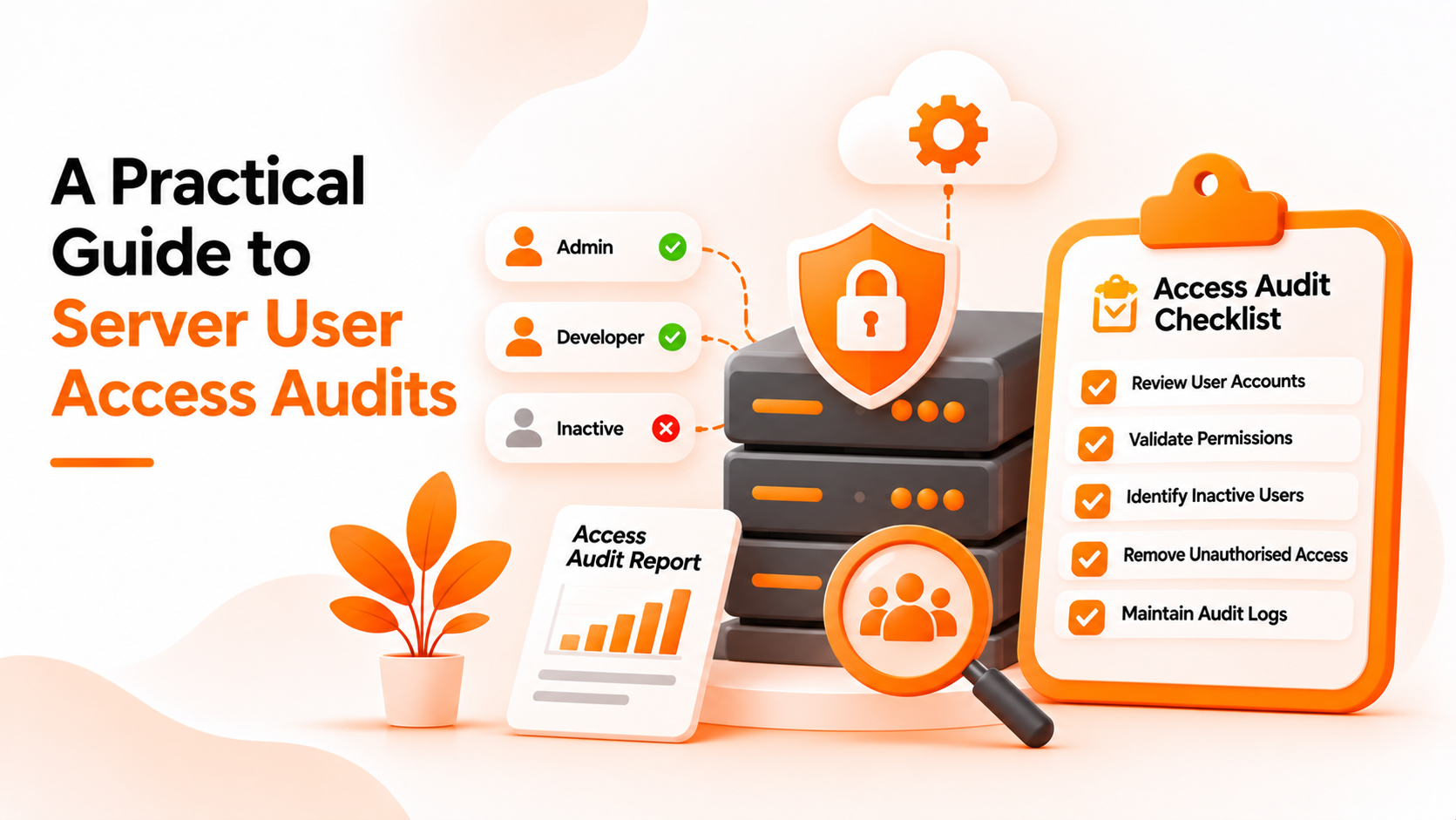
An access audit compares two things: who has access today and who should have access. The difference between them is the finding. Every account that should not exist, every permission higher than the role requires, and every key nobody can explain is something to fix.
Typical questions include these. Which accounts exist on each server? Which of them belong to current employees or contractors? What can each person do, for example run administrative commands or only read files? Which SSH keys are installed, and who owns each one? Are there shared accounts? Do any accounts look unused?
The result is not a report for its own sake. It is a short list of changes to make, and a record that the check took place.
The most common misunderstanding is that an audit means reviewing logs of who logged in. Login history is useful, but it answers a different question: what happened, not what is allowed. An audit of access is mostly about the current list of permissions.
Another is that one audit is enough. Access changes every time someone joins, leaves, or switches teams, so a review done once a year is out of date by the following month. Teams that see audits as a yearly event tend to find the same problems each time.
A third is assuming that a tidy directory means tidy servers. If accounts or keys were added directly on servers, they will not show up in the central list.
The last is treating the audit as a security team task alone. The people who know why an account exists are usually the engineers who run the servers, so they need to be part of the review.
Start by deciding the scope. List the servers, the environments, and the systems that grant access, such as cloud consoles. You cannot review what you have not listed.
Next, collect the current state. For each server, gather the users, their groups or permissions, and their installed SSH keys. If your users live in a central directory, start there, then check the servers themselves for anything that sits outside it.
Then compare against the people who should have access. Get an up to date list of current staff and contractors from the team leads, not only from HR, since contractors are easy to miss. Flag every account that does not match a current person.
Review permissions with the least access principle in mind. Ask whether each person needs administrative rights or only read access. Elevated rights granted for a project often remain long after it ends.
Look at keys separately. Each key should belong to one named person or one named purpose. A key without an owner should be removed or replaced, and the story of SSH key sprawl shows how such keys accumulate.
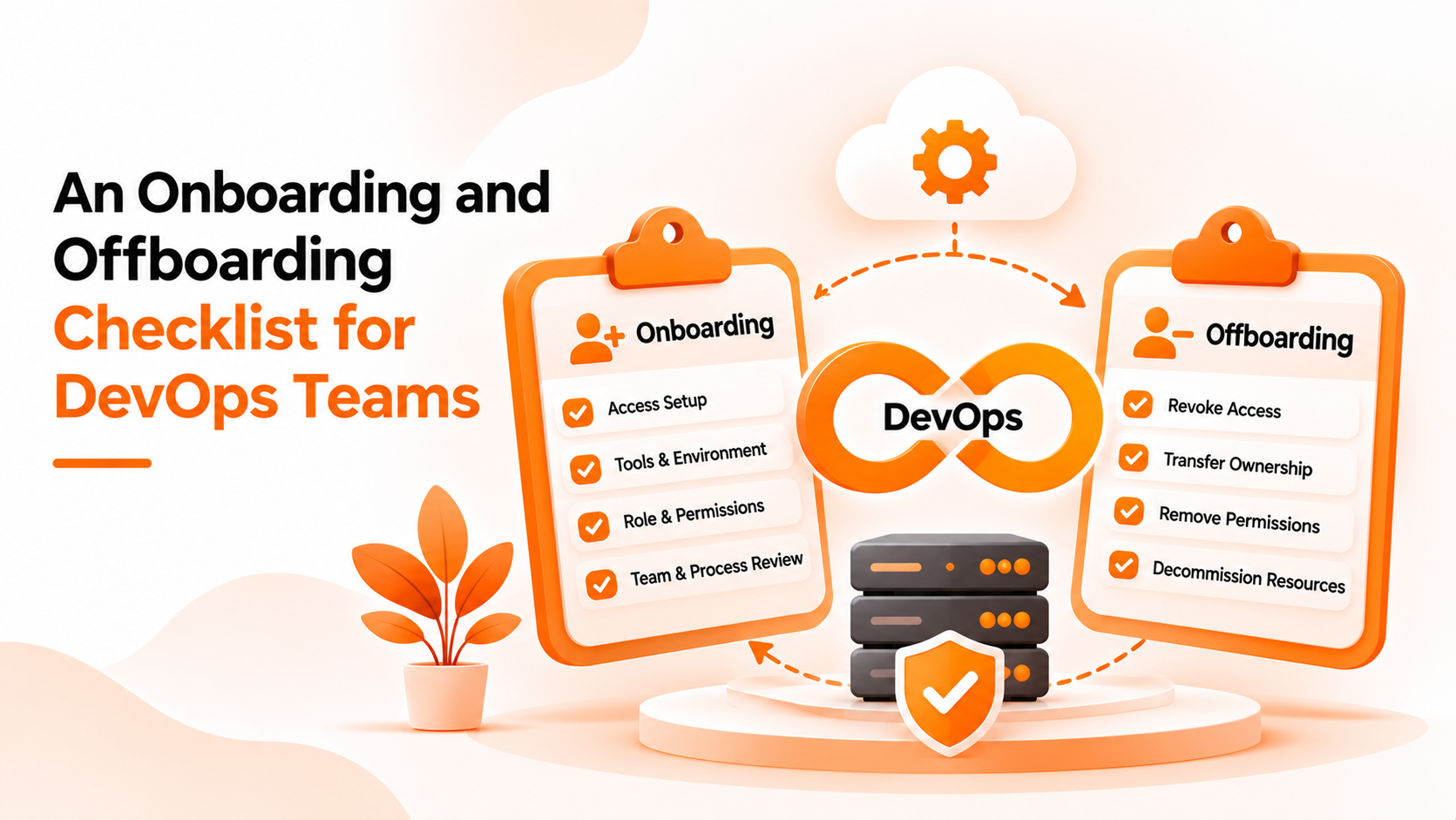
Finally, fix findings quickly, write down what changed, and set a date for the next review. Quarterly works for many teams, and monthly for sensitive systems. When people leave, an onboarding and offboarding checklist keeps the list from drifting between audits.
Bigbell's Centralized Authentication helps with the collection step for Linux servers. It is not an audit tool, and it does not produce audit reports.
In Bigbell, you can view the users in your organization's directory. For each one you can see their name, username, group, home directory, login shell, and allowed hosts, along with whether SSH key files are available. You can view your groups, including how many users each contains. Bigbell sets up three groups for each organization: administrators, developers, and readonly. Administrators have full sudo rights, while readonly is limited to a short list of viewing commands. Seeing who sits in each group gives you a quick answer to the question of who has elevated access.
This gives you a single, current list to review instead of visiting each server. After the review, you can edit a user's group, regenerate a key, or delete a user from Bigbell.
The limits are clear. Bigbell does not show login history, record who changed what, or produce audit reports or evidence for compliance. It does not scan servers, so accounts or keys created directly on a server will not appear in its list, and those need a manual check. It does not support Windows servers. Bigbell makes the central list easy to review, and the audit itself remains your team's process.
Book a demo to see how the user and group lists look for your organization.
How often should I run an access audit? Quarterly suits many teams. Sensitive systems may need monthly checks.
What is the difference between an access audit and a log review? An access audit checks what is allowed now. A log review checks what happened.
Who should take part? Engineers who run the servers, team leads who know the current staff, and whoever owns security.
What is the most common finding? Accounts or keys belonging to people who have left or changed roles.
Can Bigbell list the users in my directory? Yes. It shows users with their group, home directory, shell, and allowed hosts.
Can Bigbell show group membership counts? Yes. It shows how many users each group contains.
Does Bigbell show who logged in and when? No. It does not provide login history.
Does Bigbell produce audit reports? No. It provides lists you can review, not reports.
Will it find accounts created directly on a server? No. It does not scan servers, so those need a manual check.
Can I fix findings in Bigbell? Yes. You can change a user's group, regenerate a key, or delete a user.
Does it cover Windows servers? No. It is built for Linux servers.
What is the least access principle? Each person gets only the permissions needed for their current role.
Should shared accounts be allowed? Avoid them. They make it impossible to tell who did what.
What should I record after an audit? The date, what you checked, what you found, what you changed, and when the next review is due.
How do I find unused accounts? Compare the account list with current staff, then ask team leads about any name nobody recognizes.
Do contractors need to be included? Yes. They are often missed because they do not appear on the usual HR lists.