Published May 25, 2025
Think of every employee who has ever worked with your cloud environment. Now think of the cloud accounts that exist today. The two lists rarely match. A contractor finished a project last year, an engineer moved to another team, and an intern's account still works. Nobody uses these accounts, which is exactly why nobody notices them.
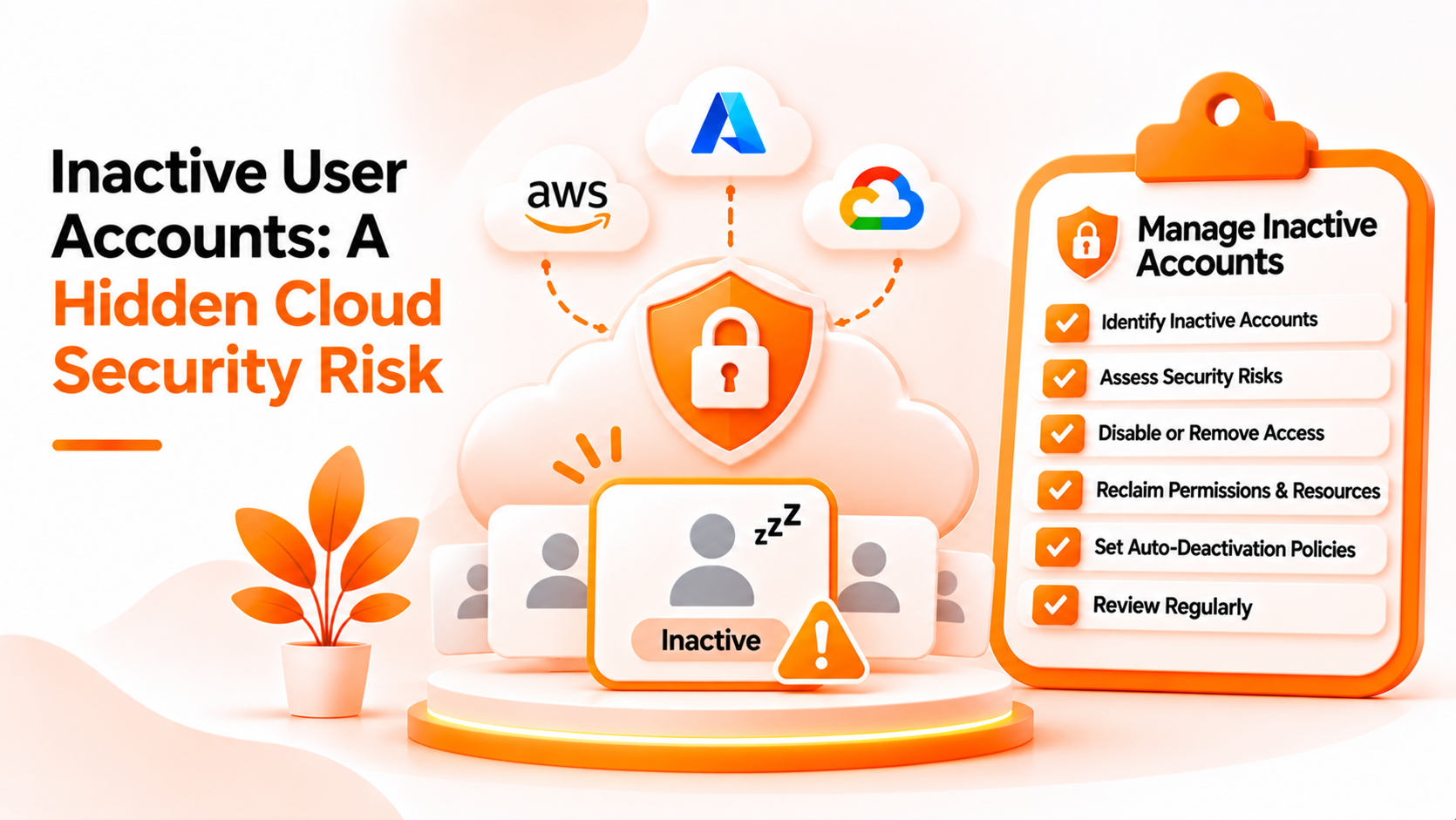
Inactive user detection in the cloud means finding accounts that are no longer used, so they can be reviewed and removed. This guide explains why they matter, why teams underestimate them, and how to handle them. The first sections are general practice. The last section covers only what Bigbell provides, and Bigbell does not detect inactive accounts.
An inactive account is a user identity that still exists and can still sign in, but has not been used for a long time. The usual cutoff is something like 60 or 90 days without a login, though the right period depends on your organization. Related cases include accounts of people who have left, accounts created for a one time task, and credentials such as access keys that no longer have any active use.
The risk comes from three facts. The account still holds permissions. Nobody is watching it, so unusual activity looks less strange than on a busy account. And it often lacks current protections, such as a registered second factor, because the owner stopped caring about it.
An attacker who obtains a forgotten credential, through a leaked password or an old key, gains whatever access that account kept. Because no real user is affected, the compromise may last a long time without anyone noticing.
The first misunderstanding is that unused means harmless. An account that does nothing is harmless only if it cannot be used by someone else, and in practice it can.
The second is assuming that offboarding covers it. Offboarding removes access that people remember to remove. It rarely covers contractors who were added informally, shared accounts, access keys created for scripts, or accounts in secondary cloud projects.
The third is relying on a single source. Many organizations have users in several places: the cloud provider, an identity provider, individual servers, and third party tools. An account removed in one place may live on in another.
The fourth is defining inactive too loosely. Some accounts are supposed to be quiet, such as emergency access accounts and service identities. Deleting them blindly can break something, so each needs an owner who confirms the decision.
Treat this as a recurring review, not a one time cleanup.
Start with an inventory. List the users in each cloud account and identity system you use, along with when each last signed in, if the platform records it. Most major cloud platforms provide last sign in or last used information for users and access keys, although the details differ.
Next, compare against people. Ask team leads which accounts belong to current staff and contractors. Anything unclaimed is a candidate for removal.
Then decide the rule. Pick an inactivity period, such as 90 days, and an action: disable first, delete later. Disabling is reversible, which makes it a safe first step.
Handle exceptions deliberately. Emergency accounts and service identities should be documented, with an owner and a reason, and protected with strong controls.
Remove unnecessary access as well. Even active users often keep permissions or console access they do not need.
Finally, set a schedule and keep notes. Quarterly reviews suit many teams, and removal of access should also happen the day someone leaves.
Bigbell does not detect inactive users. It does not read last sign in times, track account activity, or flag accounts for being unused. If that is your goal, you will need the reporting that your cloud or identity provider offers.
What the Cloud Security Scanner can support is a related part of the review. For AWS, it lists IAM users that do not have MFA enabled and notes whether they have console access. For Microsoft Azure, it lists Microsoft Entra ID users who are not registered for MFA. When some of those users can sign in through the console, the finding is raised to high severity, and the recommendation is to require MFA and remove unnecessary console access.
This is useful in one narrow way. Forgotten accounts are often the ones without MFA, so the list can point you to accounts worth questioning. But the finding shows protection status, not activity, so an account on the list may be heavily used, and an inactive account with MFA will not appear at all.
For Google Cloud, Bigbell does not report an MFA finding. Scans are started by a person and show the state at that moment. Bigbell also does not disable, delete, or remove any account for you. Treat the scanner as one input to your own review, and do the inactivity checks with your cloud provider's tools.
Book a demo to see how user related findings appear for your connected accounts.
What counts as an inactive account? A user account that still exists but has not been used for a defined period, often 60 or 90 days.
Why are inactive accounts risky? They keep their permissions, nobody watches them, and they often lack current protections.
How long should the inactivity period be? It depends on your organization. Many teams choose 60 to 90 days.
Should I delete or disable first? Disable first. It can be reversed if the account turns out to be needed.
Do access keys count? Yes. Unused keys carry the same risk as unused user accounts.
Does Bigbell detect inactive users? No. It does not read sign in activity.
What does Bigbell report about users? For AWS IAM and Microsoft Entra ID, users without MFA, and whether AWS users have console access.
Can the MFA list help find forgotten accounts? Sometimes, but it shows missing MFA, not inactivity.
Does Bigbell remove accounts? No. Changes are made in your cloud or identity provider.
Does Bigbell check Google Cloud users? It does not report an MFA finding for Google Cloud.
How do I treat emergency accounts? Document each one with an owner and a reason, and protect it with strong controls.
Who should approve removing an account? The account owner or team lead who can confirm it is no longer needed.
How often should accounts be reviewed? At least quarterly, and whenever someone leaves.
What should I do when a contractor's project ends? Disable their accounts and keys on the end date, and confirm with the team lead that nothing else depends on them.
Do cloud providers show last sign in times? Most major platforms show last sign in or last used information for users and access keys, though the detail differs.
Why do forgotten accounts often lack MFA? Their owners stop using them, so nobody checks whether current protections were ever added.
Can an inactive account be reactivated safely? Yes, after confirming who needs it and why, and after resetting credentials and checking its permissions.
Is removing unused permissions also worth doing? Yes. Active users often keep access they no longer need.