Published May 15, 2024
Three engineers, one shared AWS account, and a product finally getting real signups. Nobody on the team is a dedicated ops person — everyone's job is "build the thing," and monitoring lives somewhere on a list of ideas for "once we have time." Then the server hosting the app runs out of memory during a demo call with a prospective customer, and the founder finds out the product is down from the prospect's Slack message, not from any alert of their own.
This is the pattern behind most server monitoring for startups gaps. It's not that early teams don't understand monitoring matters — it's that with three things to build and no one whose job is watching servers, it keeps losing to whatever ships next.
Early-stage teams are small by necessity, and every hour spent on infrastructure is an hour not spent on the product itself. Monitoring rarely has a clear owner — everyone assumes someone will notice if something's wrong, and nobody actually has that as part of their job.
It also doesn't feel urgent until it very suddenly is. A server running comfortably at low traffic gives no warning signs, so there's nothing pushing the team to set anything up. The perceived cost doesn't help either — proper monitoring sounds like an enterprise-scale concern, something to add "once we're bigger," even though the actual setup for a small team can be lightweight.
And when monitoring does get added, it's usually reactive — a quick script bolted on right after the first outage, built to catch that one specific failure rather than designed to catch the next one, which is usually something different entirely.
For a startup, the most damaging outages are the ones a customer notices first — especially early customers, who are often still deciding whether to trust the product at all. A demo that fails or a trial account that goes dark for an hour does more damage at this stage than the same outage would at a company with an established reputation to fall back on.
There's also a real time cost. Every hour spent firefighting an outage nobody saw coming is an hour not spent building, and for a small team, that hour is disproportionately expensive. Without monitoring, incidents also take longer to diagnose — no history of what "normal" looked like before things went wrong, so every investigation starts from zero.
Security and configuration issues compound quietly in the background too. A small team without dedicated security expertise is exactly the kind of team likely to leave a database without proper protections or a server without backups configured, simply because nobody had the bandwidth to check.
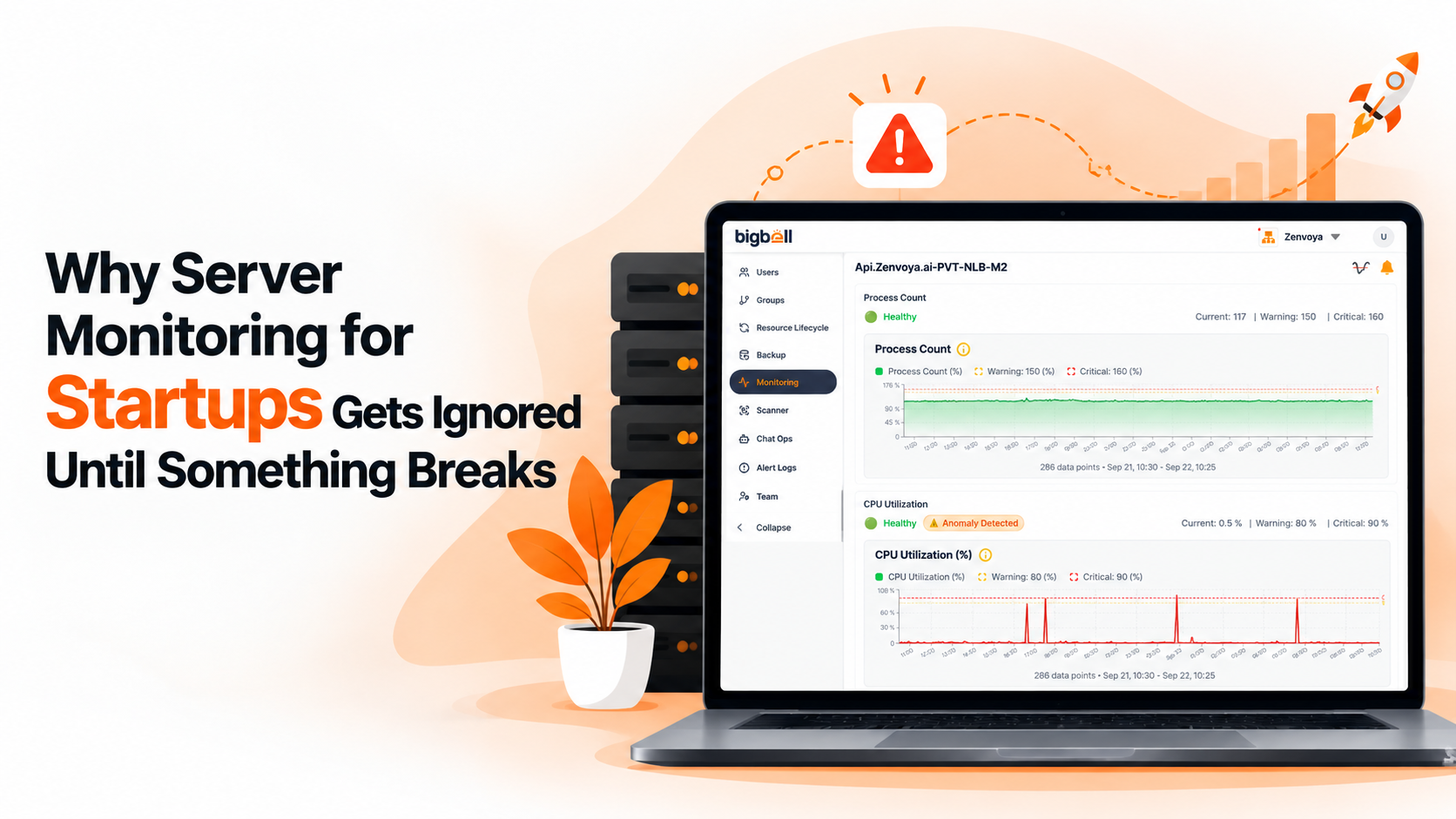
Server monitoring for a startup doesn't need to be elaborate to be useful. Tracking basic resource usage — CPU, memory, disk — on every server that matters is a reasonable starting point, and it catches the majority of early problems before they become outages.
Set thresholds that reflect how your servers are actually used rather than accepting whatever default a tool ships with, and build in a short delay before anything alerts, so a small team isn't paged over noise. Make sure alerts reach a channel the team already lives in — a dedicated on-call rotation isn't realistic at this stage, but a Slack channel everyone already has open is.
Treat basic security hygiene as part of the same setup rather than a separate project. Catching an open port or a missing backup early is far cheaper than dealing with the consequences of missing it.
BigBell's server monitoring is built around exactly the kind of lightweight setup a small team needs. A lightweight agent installed on a Linux server reports CPU, memory, and disk usage continuously, without requiring dedicated ops expertise to configure. For a public-facing product, BigBell's URL monitoring checks uptime and response time from outside your infrastructure, the way an actual customer would reach it, and tracks SSL certificate expiry on its own schedule.
Thresholds are set per server or application rather than one blanket default, and a configurable delay means a brief spike doesn't turn into an unnecessary page. Alerts reach the team through whatever channel is already in daily use — email, Slack, Microsoft Teams, Google Chat, WhatsApp, SMS, or a phone call — rather than requiring a dedicated incident-management tool.
Automated insights also scan for common security and configuration gaps — open sensitive ports, databases without deletion protection, servers without backups configured — which matters most for exactly the kind of team that doesn't have someone dedicated to catching these manually.
Book a demo and see what a lightweight monitoring setup looks like for a team your size.
Yes. The value isn't tied to traffic volume — it's about knowing something is wrong before a customer tells you. Low traffic just means fewer people notice an outage immediately, not that outages stop happening, and early customers are often the ones least forgiving of a rough first impression.
No. Once thresholds and alert channels are set up, monitoring runs in the background. It needs occasional review, not a full-time role, especially at early stage.
Setting up an agent on a server or pointing a URL check at a public endpoint is a short, one-time task rather than an ongoing project, which is part of why it's worth doing early rather than waiting for a "better time" that rarely actually arrives on its own.
Not if a delay is configured. A brief spike has to persist before it counts as a genuine issue, which keeps alerts meaningful instead of constant.
Basic resource usage — CPU, memory, and disk — on the servers running the actual product, plus uptime checks if the product is customer-facing. These two catch most early problems, and both can be set up without touching application code.
Yes. Alerts can be routed to whichever channel a team actually uses day to day, including Slack, Microsoft Teams, or Google Chat, rather than requiring a separate incident-management setup most early-stage teams don't need yet.
No. The same agent-based and URL monitoring works for a single server just as well as a larger fleet, which is what makes it practical for a small team to start with rather than something to grow into later.
No. The point of alerting with a configurable delay and routing to a channel the team already uses is that nobody needs to actively watch a dashboard — the setup surfaces a problem only when there actually is one.