It is Monday morning, and an automated email arrives: Weekly Infrastructure Health Summary. Inside is a 20-page document filled with unformatted log tables and percentile charts. Like most busy engineering leads, you skim the first few lines, archive the message, and return to your sprint backlog.
Three weeks later, your primary database crashes during peak traffic. The root storage volume reached 100 percent capacity, halting write transactions and causing a four-hour outage. During the post-mortem, an engineer discovers that storage had climbed three percent every week. The trend was documented in three consecutive server monitoring reports, sitting completely unread in an archived folder.
When server monitoring reports become passive data dumps rather than actionable intelligence, teams ignore them until downtime forces a retrospective. Transforming these reports into proactive safeguards requires understanding why reporting workflows fail and how modern observability platforms automate actionable delivery.
Why It Happens: The Breakdown of Periodic Reporting
Periodic infrastructure reporting is designed to deliver high-level visibility, yet traditional reporting workflows fail engineering teams for several reasons:
- Data Overload Without Actionable Context: Legacy tools treat reporting as an automated data dump. Instead of highlighting capacity anomalies, they generate thousands of raw telemetry points across CPU speeds, memory buffers, and disk I/O. When a report fails to answer whether action is required this week, engineers tune it out.
- Disconnect from Incident Workflows: Teams are wired around immediate incident response. Because weekly and monthly summaries arrive outside active triage, they are treated as administrative noise rather than operational inputs.
- Lack of Granular Scoping: Generic server monitoring reports often lump entire fleets together. When developers receive reports containing unrelated staging environments, cache clusters, and worker nodes, relevance drops to zero. Without scoping by project and plugin, engineers cannot isolate the metrics that matter.
- Delivery and Format Friction: Static spreadsheets and dense portals require manual effort to parse. If an engineer must log into a separate portal and export metrics just to understand baseline trends, reports will not be reviewed regularly.
What It Costs You If Ignored
Treating periodic server monitoring reports as optional overhead creates severe operational and financial liabilities:
- Unplanned Outages from Creeping Saturation: Real-time threshold alerts catch immediate spikes, but they often miss gradual resource exhaustion. Memory leaks, steady storage growth, and filesystem inode exhaustion develop over weeks. Ignoring monthly trend reports turns preventable capacity limits into critical outages.
- Runaway Cloud Waste: When servers operate under-utilized, unmonitored resources drain budgets. A 30-day report should immediately flag overprovisioned instances sitting idle at 3% CPU utilization, helping teams eliminate unnecessary virtual machines and storage.
- Breached Customer SLAs: Performance degradation—such as gradual memory pressure causing periodic latency spikes—erodes system responsiveness before triggering hard outage thresholds, quietly violating customer SLAs.
- Costly Firefighting Cycles: When capacity failures strike without warning, senior engineers are diverted from product roadmaps to execute emergency server migrations and storage expansions.
How to Fix or Prevent It
Making server monitoring reports genuinely valuable requires rethinking how infrastructure data is synthesized, filtered, and delivered across your organization:
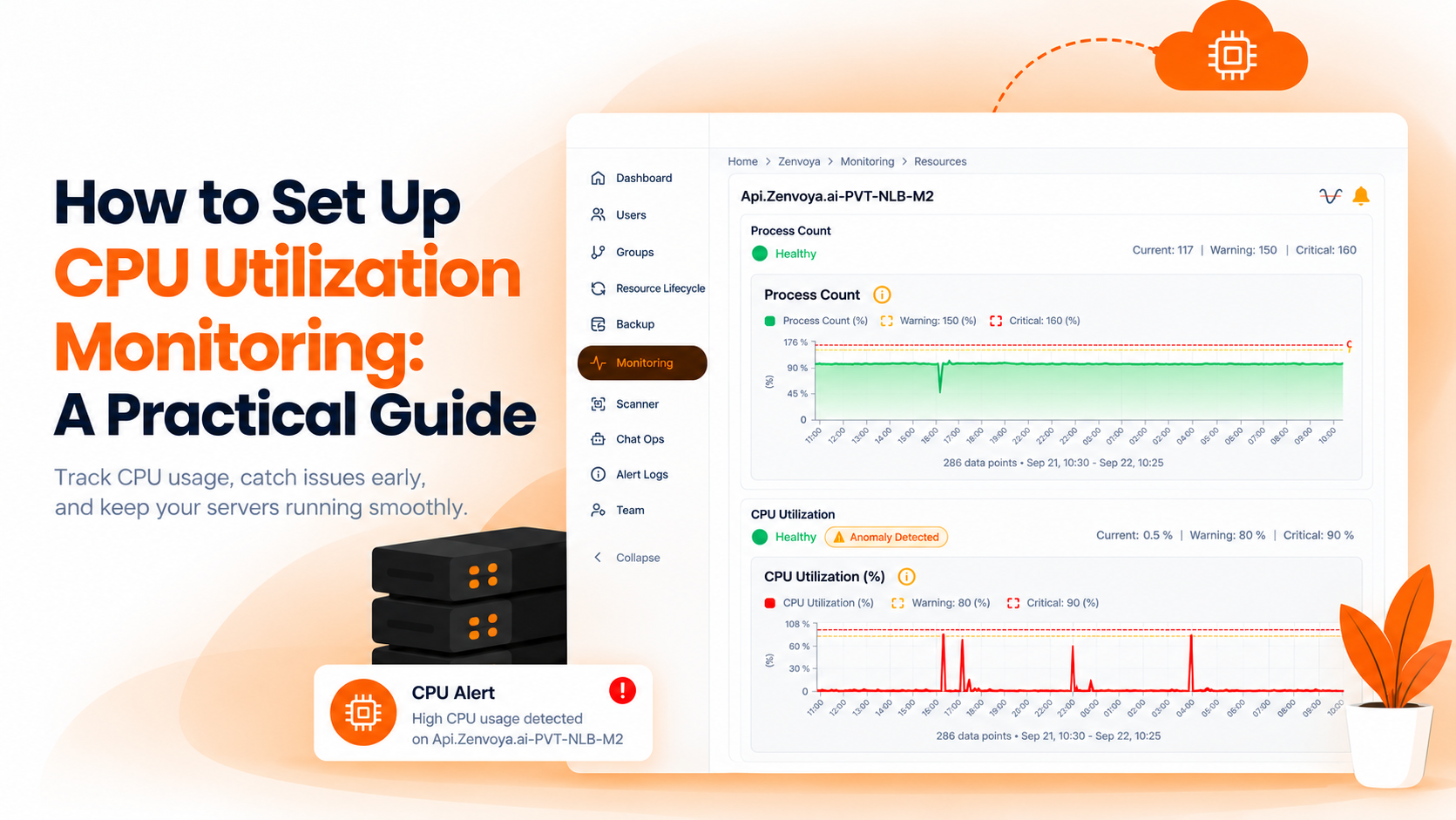
- Focus on High-Signal Metric Summaries: Effective reports synthesize weekly and monthly data into clear statistical summaries: minimum, maximum, and average utilization rates for CPU, memory, and disk space. Highlighting these core counters alongside established threshold boundaries immediately surfaces nodes drifting toward failure.
- Scope Reports by Project and Role: Segment reporting configurations by project, team ownership, and plugin type. Database engineers should receive focused reports on storage growth, memory utilization, and IOPS, while application teams receive compute and uptime summaries.
- Combine Reporting with Automated Insights: Supplement standard historical graphs with automated insight detection. A modern reporting workflow actively highlights overprovisioned hosts, approaching disk thresholds, expiring SSL certificates, and runaway processes so engineers can remediate issues during scheduled sprints.
How BigBell Automates This
Transforming infrastructure telemetry into clear, proactive intelligence is built directly into BigBell.ai. Through BigBell's streamlined monitoring platform, engineering teams eliminate manual report compilation with automated, high-impact reporting.
BigBell enables organizations to create targeted reporting configurations tailored to their operational structure:
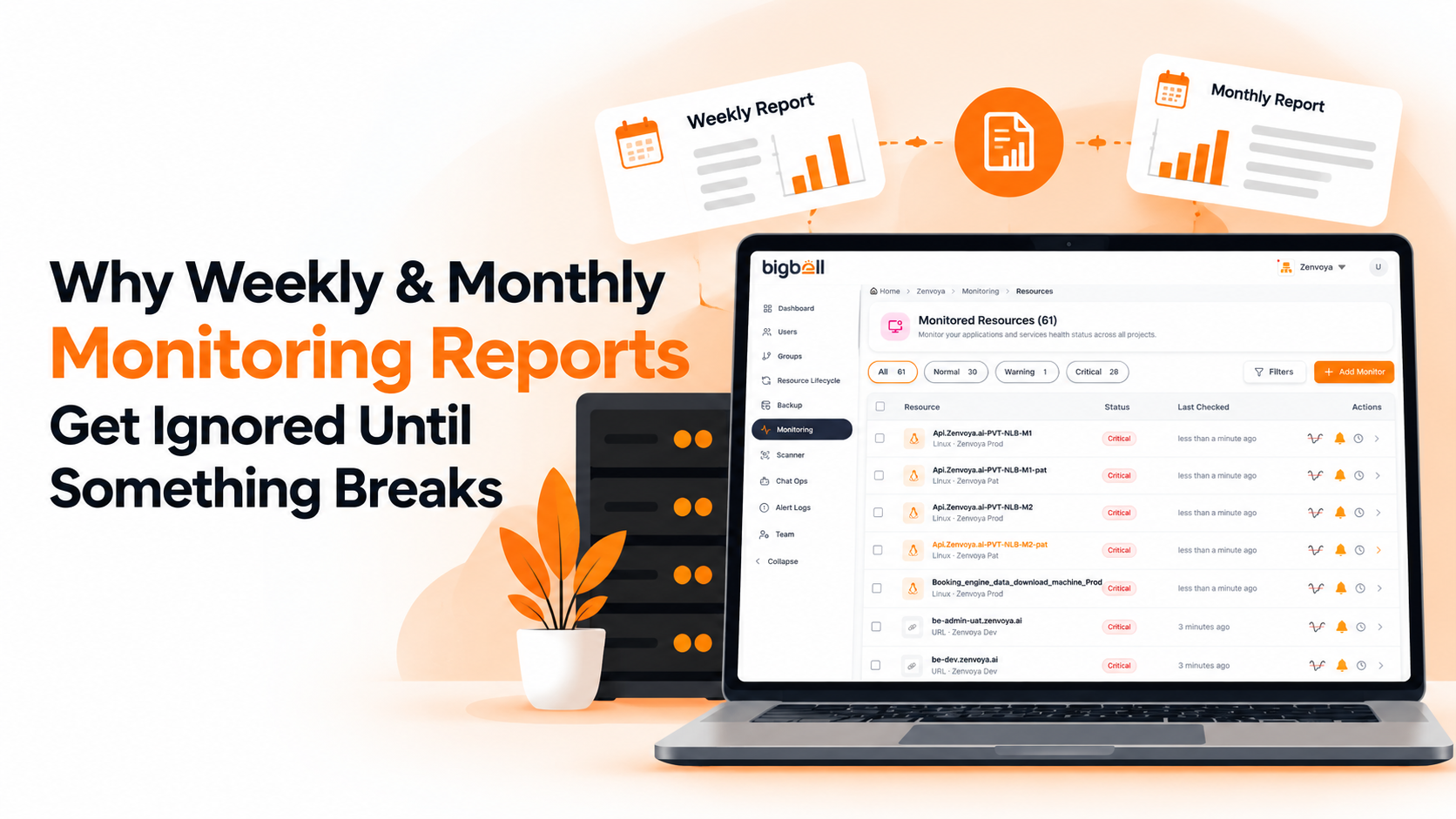
- Automated Weekly and Monthly Schedules: Configure automated 7-day (weekly) and 30-day (monthly) reporting intervals. BigBell's background orchestrators compile historical telemetry, calculate minimum, maximum, and average utilization, and compare performance trends directly against configured warning and critical threshold boundaries.
- Granular Project and Plugin Scoping: Build distinct reporting configurations for specific projects, server groups, and monitoring plugins—including Linux CPU, Memory, and Disk metrics, API endpoints, and AWS cloud resources (such as RDS, Lambda, and NLB). Teams only see the telemetry relevant to their responsibilities.
- Actionable PDF Delivery: BigBell automatically compiles clean, executive-ready PDF reports featuring visual trend graphs and resource utilization summaries. These reports are delivered directly to verified communication channels, including Email (Gmail and Amazon SES), ensuring stakeholders review metrics without logging into complex dashboards.
- Unified Observability: Scheduled reports integrate seamlessly with BigBell's real-time monitoring, where customizable thresholds, built-in alert delays (suppressing transient false alarms), and multi-channel instant notifications (Slack, Teams, Google Chat, WhatsApp, SMS, and Phone Calls) keep teams protected 24/7.
Turn Server Monitoring Reports into Proactive Protection
Stop letting critical infrastructure trends get lost in unread email threads. Equip your engineering team with automated, scoped reporting and real-time alerts. Book a demo today to see how BigBell simplifies your server monitoring and reporting.
Frequently Asked Questions (FAQ)
What are server monitoring reports?
Server monitoring reports are scheduled summaries that aggregate infrastructure performance metrics—such as CPU utilization, memory allocation, disk space, and application uptime—over a defined timeframe (typically 7 days or 30 days). Unlike immediate real-time alerts, periodic reports provide historical context, capacity trends, and resource utilization insights across servers and services.
Why do engineering teams ignore traditional server monitoring reports?
Teams ignore traditional reports because they often arrive as dense, unformatted data dumps without clear action items. When reports lack granular scoping (grouping unrelated systems together) or fail to compare current metrics against warning and critical threshold baselines, engineers cannot quickly determine if intervention is needed, causing reports to be archived unread.
How do weekly reports differ from monthly server monitoring reports?
Weekly (7-day) reports focus on short-term performance shifts, spotting anomalies introduced by recent code deployments, sudden traffic spikes, or emerging memory leaks. Monthly (30-day) reports provide high-level capacity planning visibility, highlighting steady storage growth, long-term resource baseline drift, and overprovisioned instances to optimize infrastructure costs.
What core metrics should be included in a Linux server monitoring report?
A comprehensive Linux server report should cover:
- CPU Metrics: Average, minimum, and peak processor utilization, clock speeds, and active process counts.
- Memory Metrics: Total RAM, actively used memory, available memory buffers, and percentage utilization.
- Disk Metrics: Total volume capacity, used and free storage space, utilization percentages, and filesystem inode consumption.
How does BigBell deliver scheduled monitoring reports?
BigBell allows administrators to define automated reporting configurations across 7-day or 30-day timeframes. The platform generates structured PDF summaries complete with metric trend graphs and threshold comparisons for designated projects and plugins. Reports are automatically delivered to verified communication channels, such as operational email, keeping all stakeholders informed without requiring manual dashboard exports.
Can periodic server monitoring reports help identify overprovisioned cloud resources?
Yes. Monthly server reports analyze long-term utilization baselines across virtual machines and cloud instances. By tracking minimum, maximum, and average compute and memory consumption over a 30-day window, teams can easily identify instances that consistently run below 5% to 10% capacity, providing concrete data to downsize instances and reduce cloud hosting bills.