Published March 5, 2025
A team spends a quarter pulling its AWS, GCP, Azure, and DigitalOcean servers into one monitoring view. Everyone agrees it was worth it. Six months later, a developer on another team launches a new virtual machine on Azure for a proof of concept, and it quietly becomes a production dependency. Nobody adds it to monitoring. When it runs out of disk on a Friday evening, the one place that would have told you, the dashboard everyone trusts, has no idea it exists.
Part 1 explained why multi-cloud server monitoring gets ignored in the first place. This follow-up covers what happens after you fix it: the slow drift that quietly puts you back where you started.
Consolidating monitoring is a project, and projects end. Keeping it accurate is a habit, and habits don't have a deadline. New servers get created by people who don't know about the monitoring setup, on providers that don't tell you when something new appears.
The mix of providers makes this worse. Some clouds can be connected at the account level, so new resources can be discovered through that connection. Others, including most smaller providers, have to be added server by server. The first kind is easier to keep current, while the second quietly falls behind unless someone owns the job of adding each new machine.
Alerting drifts too. Thresholds get tuned for AWS, copied across to GCP, and never revisited, even though a small Azure VM and a large AWS database don't behave anything alike. The result is noisy alerts on some clouds and silence on others, which looks balanced on a dashboard and isn't.
The most direct cost is coverage that looks complete but isn't. A dashboard showing forty healthy servers feels reassuring, and the forty-first, the one that's down, is invisible. Teams that trust a partial view stop checking elsewhere, which is worse than having no central view at all.
Alert quality suffers next. When one cloud generates most of the noise, people learn to ignore that provider's alerts, and a genuine problem there gets the same shrug as the false ones. Meanwhile, a different provider's quieter servers may have limits so loose that real trouble never trips them.
There's also a cost problem. Billing for each provider lives in its own console, so an idle or oversized resource on a rarely visited cloud can run for weeks before anyone sees it on an invoice. And ownership gets murky: when an alert fires for a server nobody recognizes, the first twenty minutes go to working out whose it is.
Treat coverage as something you audit, not something you finished. Once a month, compare the list of servers each provider shows with the list your monitoring knows about. The gap is your to-do list, and it's usually smaller than you'd fear if you check regularly.
Give each cloud an owner, even if it's a part-time one. That person is responsible for noticing new resources and adding them. Where a provider can't be connected at the account level, make adding a server to monitoring part of the checklist for creating one, so it happens on day one.
Set thresholds by server role, not by provider. A database should have database-appropriate limits whether it runs on AWS or Azure. Group servers into projects that reflect how you work, such as production and staging, rather than which cloud they sit on, and route each project's alerts to the team that owns it.
Finally, check from the outside. A public URL and its SSL certificate can be tested the same way whichever provider hosts it, which gives you one consistent signal across every cloud.
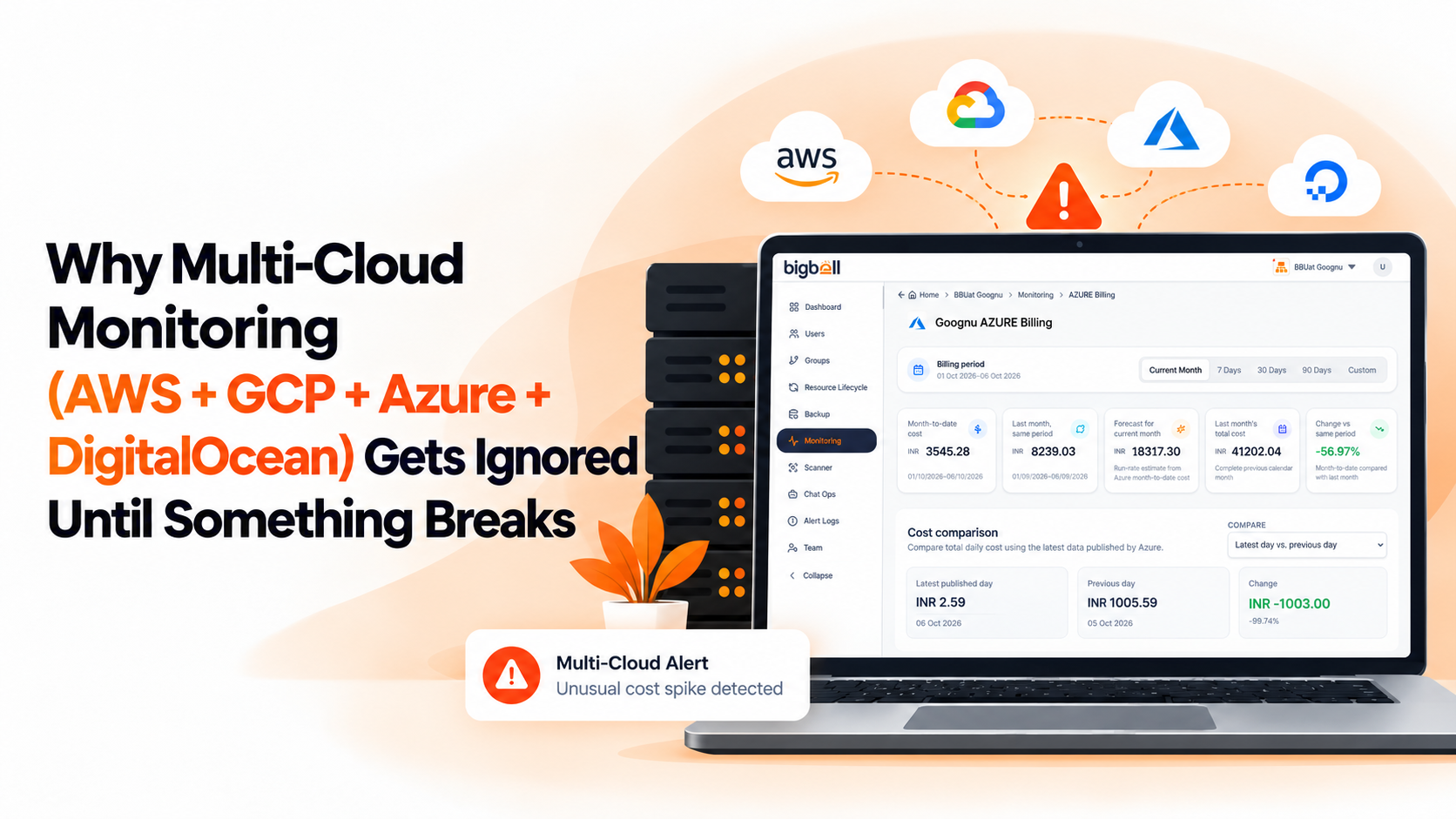
BigBell handles several of these steps with features it actually has. For AWS, it monitors EC2, RDS, Lambda, and network load balancers, and tracks AWS billing. For Azure and GCP, it monitors virtual machines and tracks billing. Billing for all three sits in one place instead of three consoles.
DigitalOcean works differently. BigBell doesn't connect to a DigitalOcean account, so each Droplet is monitored through the same installed Linux agent used on any server, which reports CPU, memory, and disk. URL and SSL checks cover public endpoints on any provider. Because those servers are added one at a time, the monthly coverage check above matters most there.
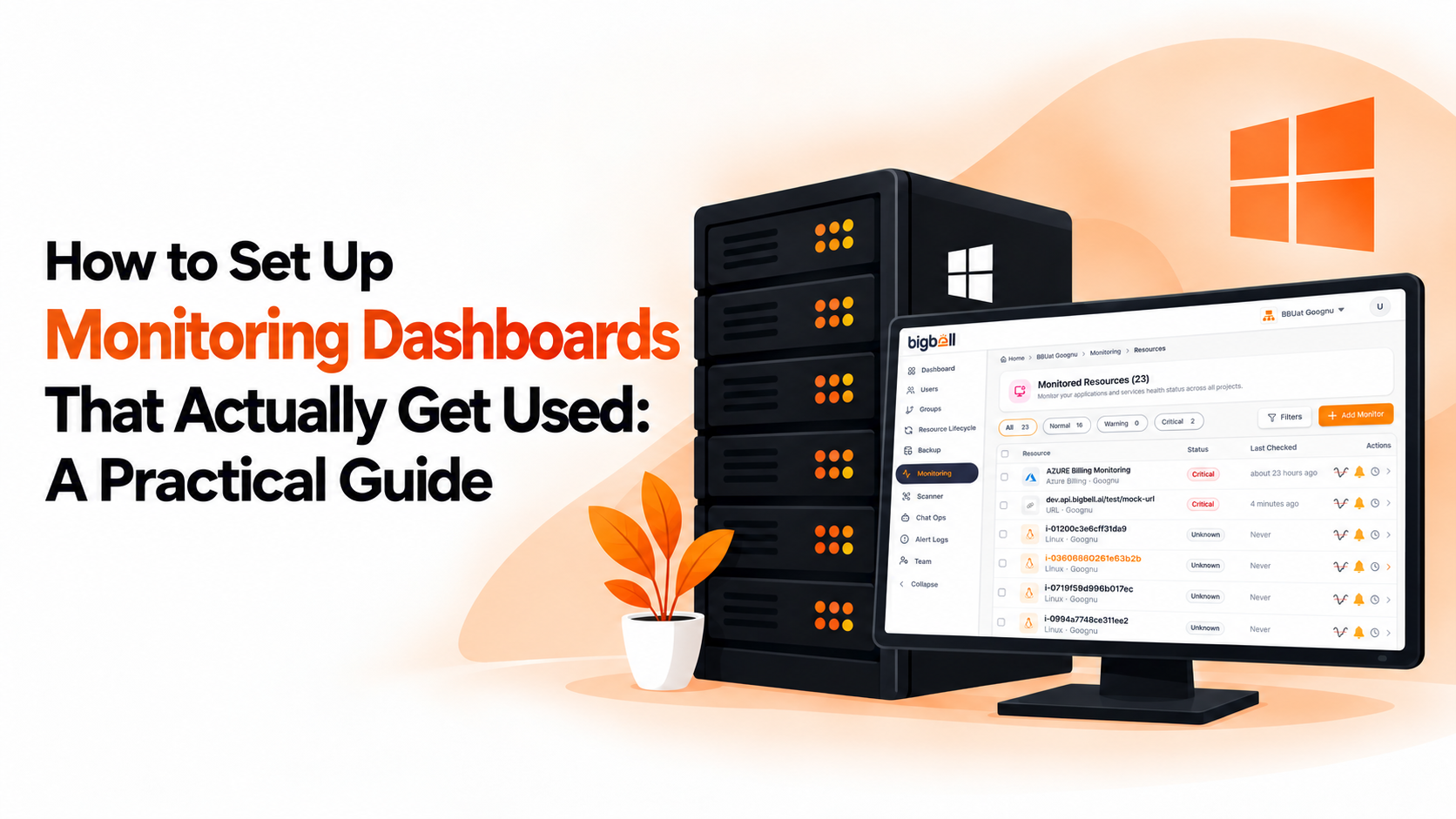
Thresholds are set per resource with separate warning and critical values, and a configurable delay filters brief spikes. Resources are organized into projects, and alerts can be routed at the organization, project, or application level to email, Slack, Microsoft Teams, Google Chat, WhatsApp, SMS, or a phone call. BigBell's automated checks also flag common gaps such as EC2 instances without termination protection and resources without backups. You can read more on the BigBell monitoring page.
Backups are part of the same picture, and the guide to cloud backup best practices across AWS, GCP, Azure and DigitalOcean covers them. For the AWS side in more depth, see the AWS server monitoring guide.
Why does multi-cloud monitoring drift after it's set up? Because new servers keep appearing and nobody owns the job of adding them. Without a regular check, the monitored list slowly falls behind the real one.
Does BigBell find new servers automatically? For AWS, Azure, and GCP, resources can be discovered through a connected account. For providers without that connection, such as DigitalOcean, each server is added individually through the agent.
How does BigBell monitor DigitalOcean? Through an installed Linux agent that reports CPU, memory, and disk, plus URL and SSL checks on public endpoints. It doesn't connect to a DigitalOcean account.
Should thresholds be the same on every cloud? No. Base them on what each server does, not where it runs. A database needs database-appropriate limits on any provider.
How often should I audit coverage? Monthly is a good starting point. A quick comparison of each provider's server list against your monitoring catches most gaps before they matter.
Can I see cloud costs for all three major providers in one place? BigBell tracks billing for AWS, Azure, and GCP. DigitalOcean billing isn't included.
How do I stop alerts from one cloud overwhelming the rest? Tune thresholds per server, use a delay to filter brief spikes, and route alerts by project so each team sees only what it owns.
What should a monthly coverage audit include? Compare each provider's list of servers with what your monitoring shows, note anything missing, and check that each server's alerts still reach the right team. It's a short task if done regularly.
Is a test or proof-of-concept server worth monitoring? Often yes, because test servers have a habit of becoming production dependencies. Even basic uptime and disk checks cost little and catch the most common failures.
Why monitor public URLs separately from the servers behind them? A URL check shows what a customer sees, and it works the same way on every provider. It catches problems like an expired SSL certificate that server metrics alone won't reveal.
Does grouping servers by cloud or by environment work better? Environment usually works better, such as production and staging. Alerts and thresholds follow how a server is used, not which provider hosts it.
Who should own multi-cloud monitoring? Give each cloud a named owner, even part-time. That person watches for new resources and makes sure they get added.
See how it works on your own infrastructure: Book a demo.